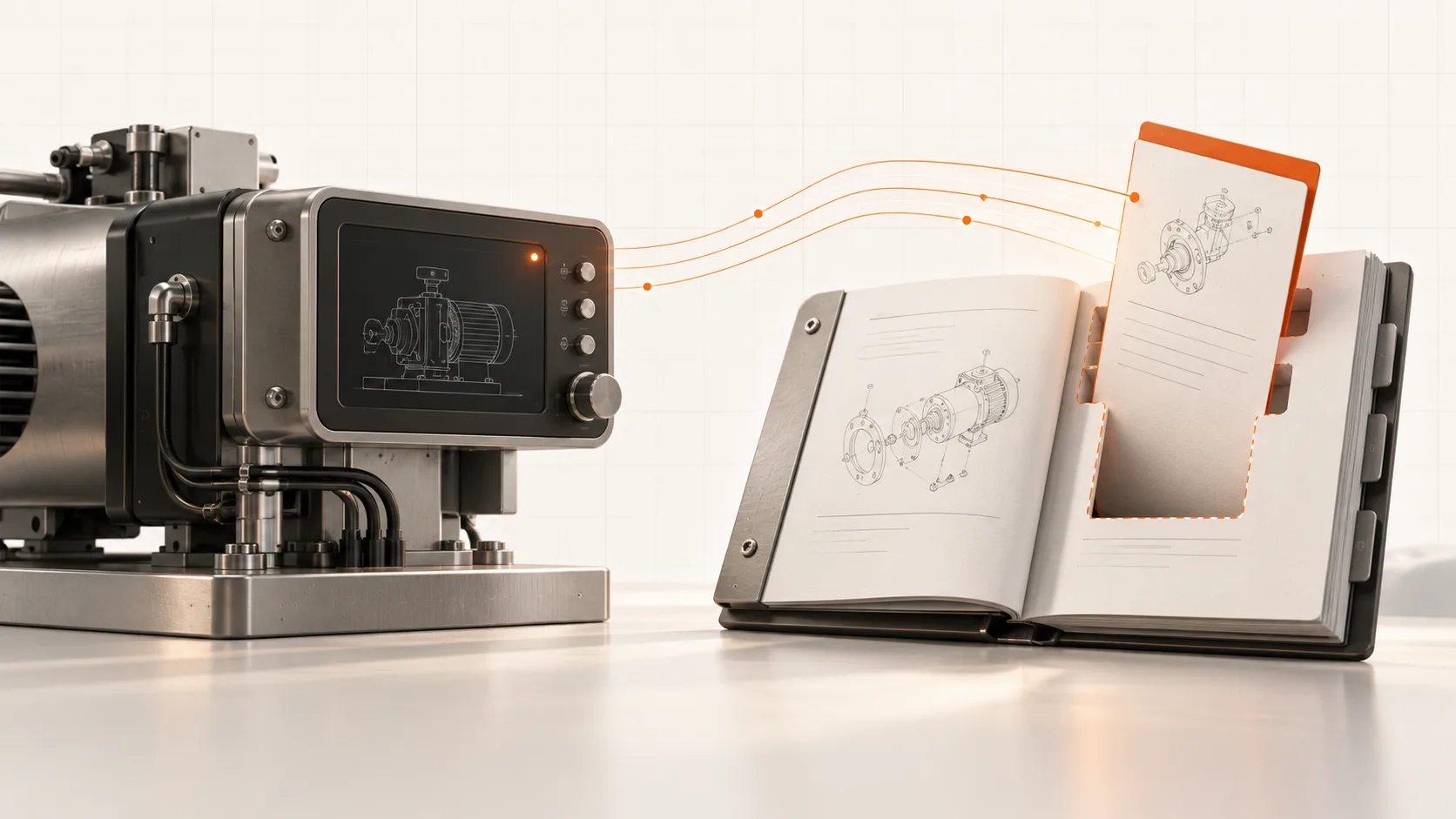
Choose a fault code that your support team recognizes immediately. Then search the customer manual for it.
Does the result explain what the customer can check, which procedure applies, and when to contact service? Or does it repeat the alarm text and leave the next step to the person answering the phone?
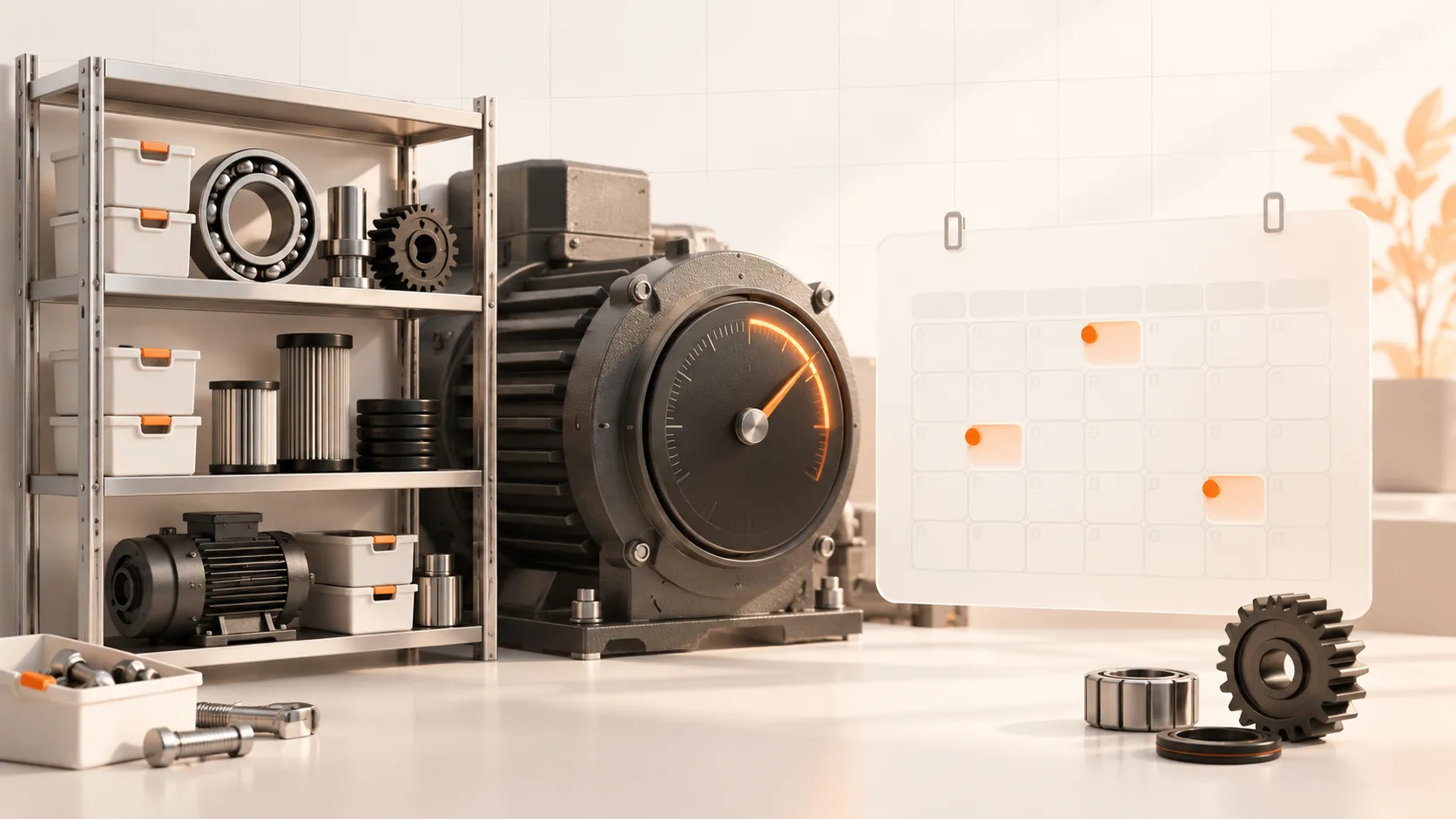
PLC fault history can help you decide which documentation to improve first. Combined with support tickets, it shows where a recurring machine event meets an unanswered customer question.
Use the data you can actually trust
Begin with one machine model or a small set of comparable configurations. Gather the available alarm history and support records over the same period.
You need to know which machine produced the event, what the code meant in that software revision, and when it occurred. Repeated messages during one stoppage should not automatically count as separate incidents. Check clock differences and missing periods before ranking anything.
Remote connectivity does not guarantee that historic alarms were logged or retained. If the records are limited, use the service history you have and mark the gaps.
Build a small coverage table
For each recurring issue, record the code, affected configuration, number of distinct incidents, related support requests, and the applicable instruction.
Then review the result with a service engineer. A code may represent several causes. A high event count may reflect a noisy logging setup. Some situations should remain an immediate service escalation.
A useful documentation backlog distinguishes these cases:
- Missing content: no approved instruction covers an appropriate customer task.
- Poor findability: the instruction exists, but the alarm wording or search terms do not lead to it.
- Unclear applicability: the reader cannot establish whether the procedure fits their machine.
- Unresolved diagnosis: evidence is insufficient to decide which action should follow.
That last category belongs with engineering or service investigation, not with a writer asked to invent a fix.
Do not treat recurrence as a diagnosis
If a fault returns after a service visit, investigate. The cause could be an ineffective intervention, a different failure, an operating condition, an incomplete repair, or an instruction that was hard to follow.
The event is a reason to review the procedure. It is not proof that the document was wrong, or that an operator made a mistake.
Keep observed events separate from confirmed causes in your records. That makes both the documentation and any later analytics more useful.
Turn the selected task into a reviewed instruction
For a suitable task, record an experienced engineer's demonstration and combine it with the approved technical sources. Capture the prerequisites, applicable machine variants, expected outcome, and escalation point.
Soply can help turn recordings and existing material into structured documentation. The engineer still needs to verify the task, missing context, and any safety-critical details before publication.
Make the approved instruction findable using the fault wording customers see. Add the machine context and relevant parts information rather than publishing another isolated document.
Measure whether the answer helped
Compare support requests for the selected issue before and after the change, using a consistent measure such as requests per active machine or operating hours where available.
Also check repeat contacts, successful resolution, and customer feedback. A falling ticket count is not automatically success if users have stopped asking or the installed base is running less.
Start with a few recurring issues and review them regularly. The outcome should be a service-led documentation backlog grounded in evidence, rather than a long list of topics selected by intuition.
Bring your top recurring questions to a Soply demo. We can use them to define the first documentation pilot.