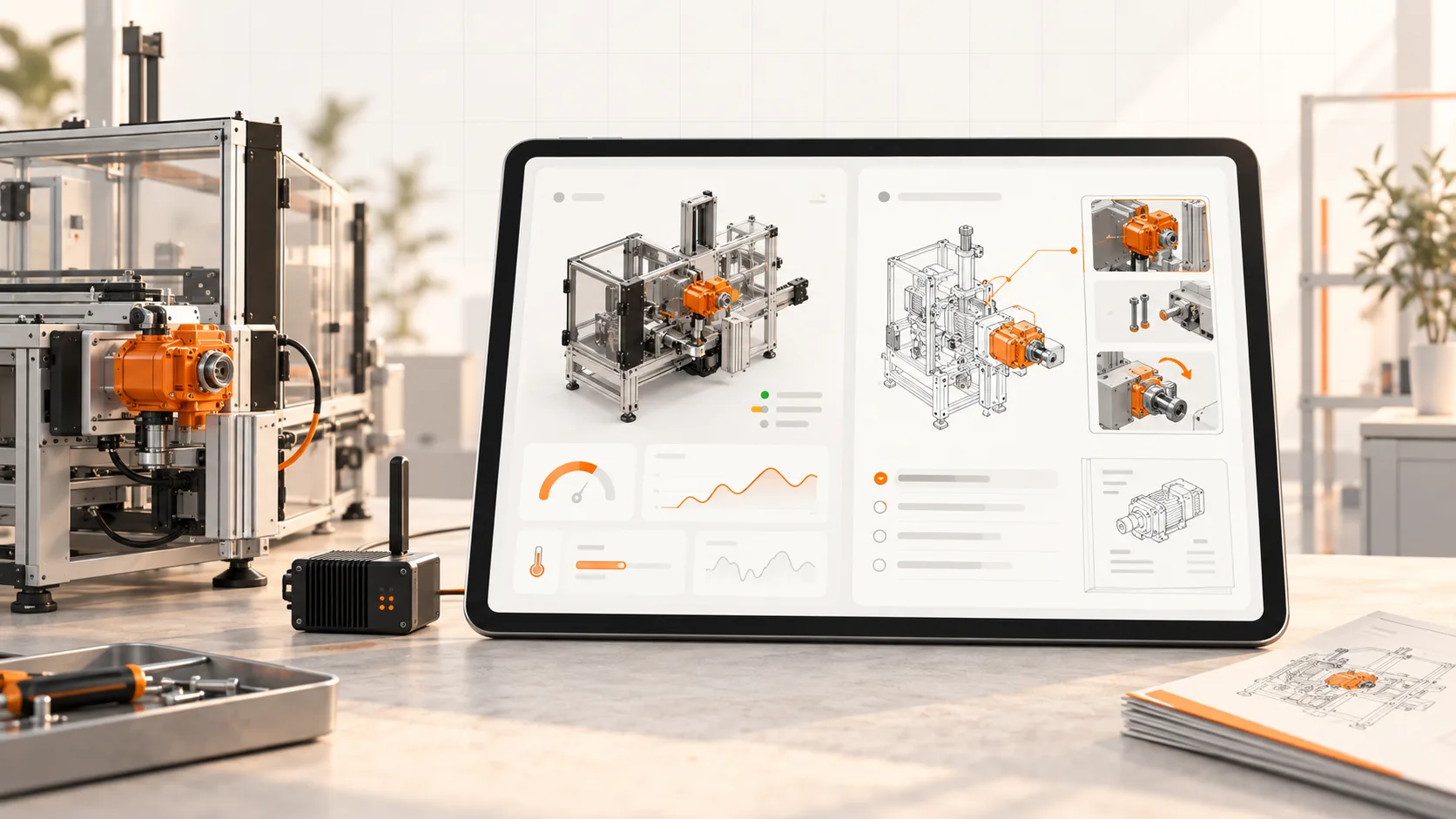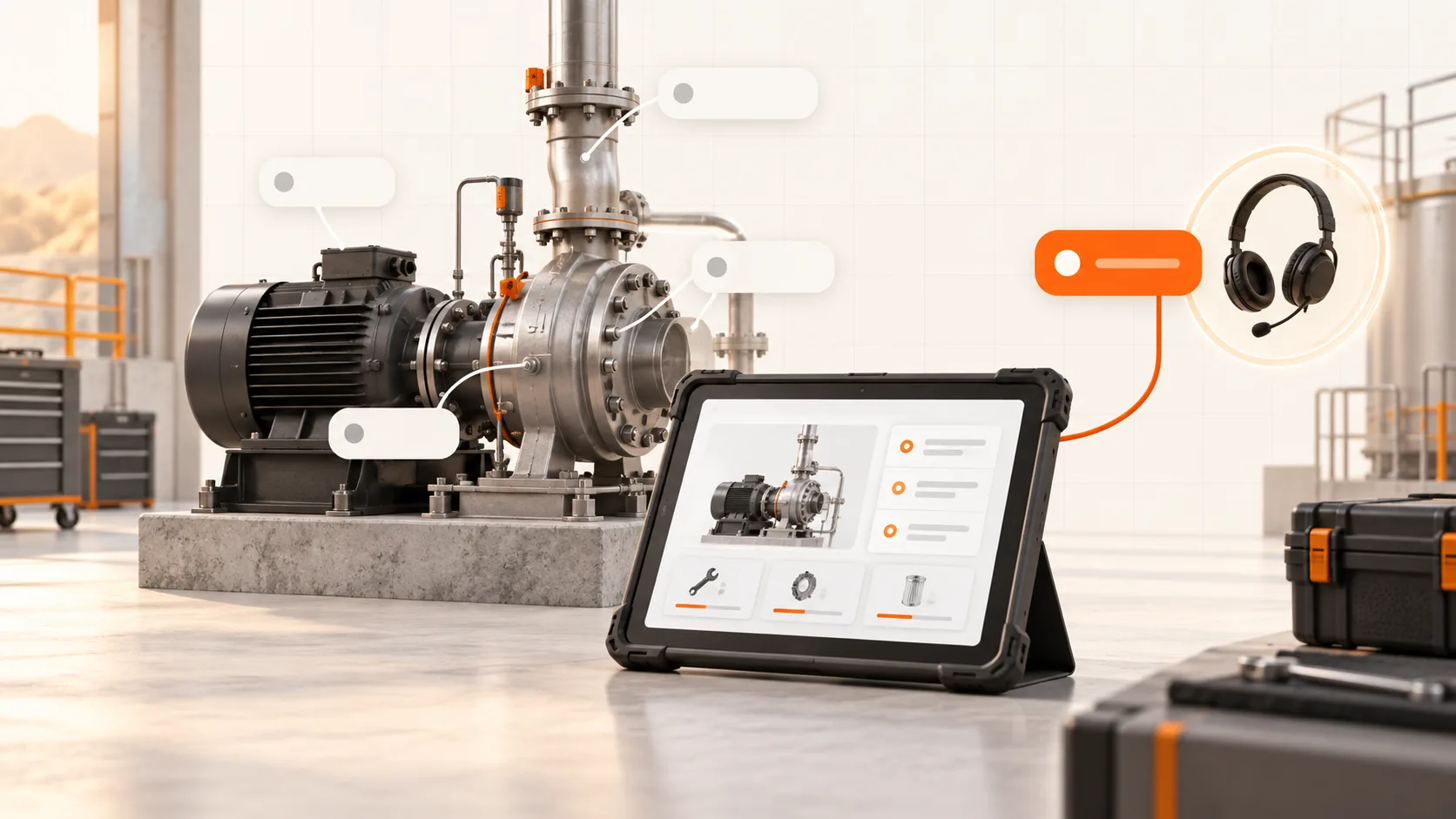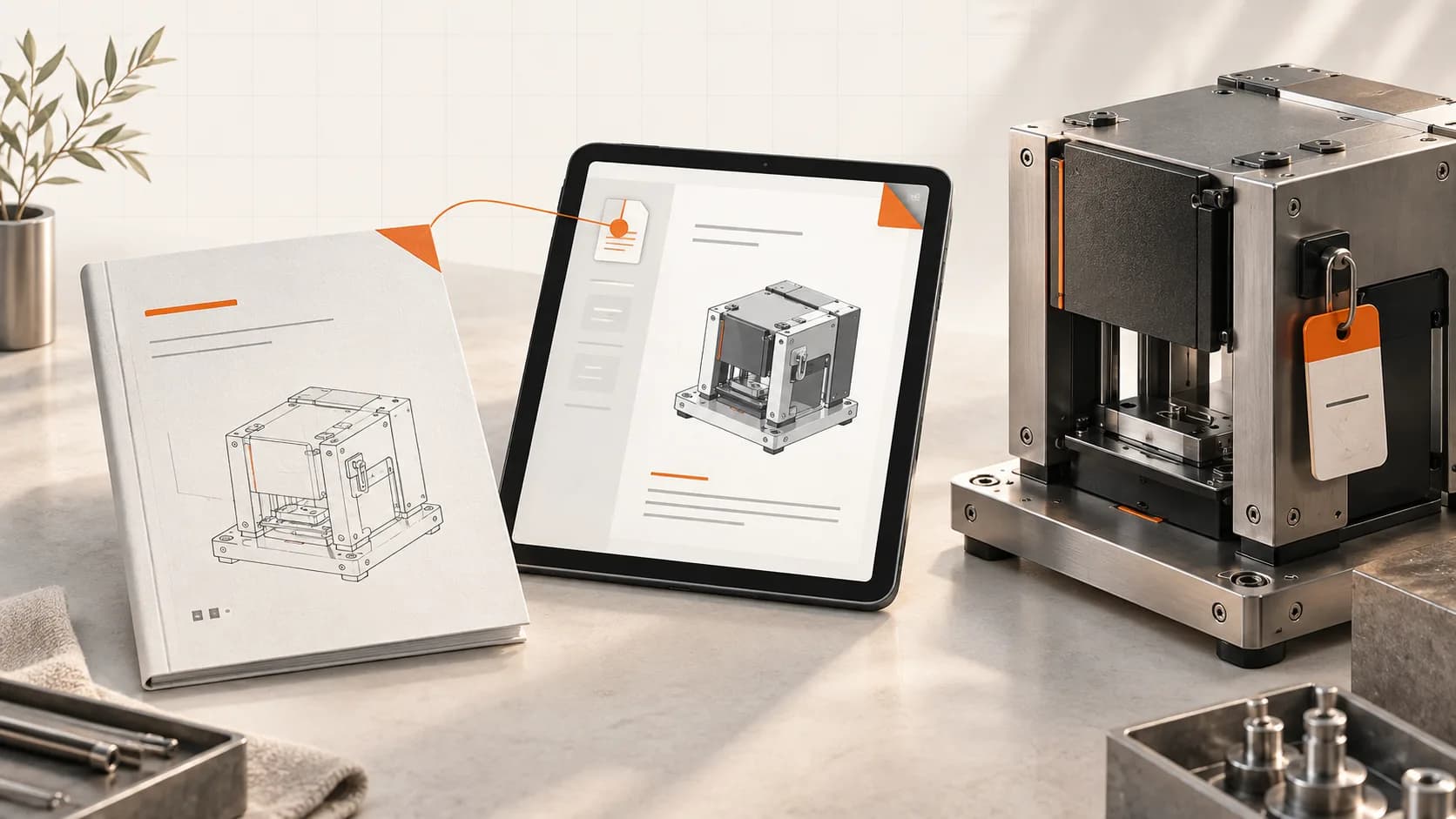
The manual was delivered. That does not mean the technician can find it.
At handover, a document usually reaches the project manager or purchasing team. Months later, maintenance needs it beside the machine. The person, the device, and the question have changed.
An OEM documentation portal should close that gap. Its job is to help someone identify their machine, find the applicable instructions, and take the next appropriate step.
Begin with the machine, not the folder structure
Customers should not have to understand your internal project codes to locate a maintenance procedure.
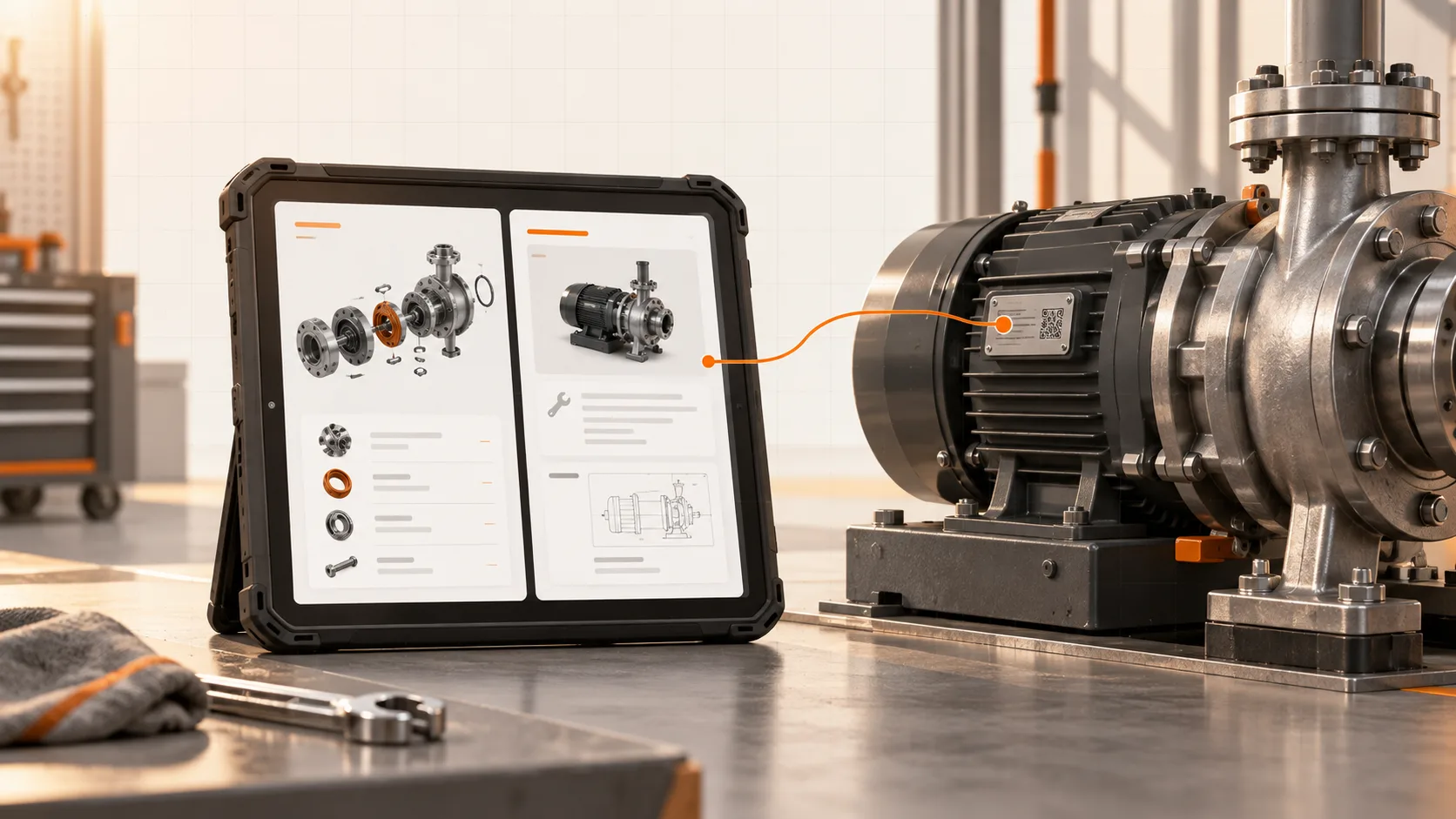
A useful entry point can be a machine label, a customer asset list, or a link from an existing service platform. It should lead to a recognizable machine record with its model, configuration, and documentation set.
Show enough context for the technician to check that they are in the right place. If a procedure applies only after a retrofit, say so before the first step. The latest document for the product family is not necessarily the correct document for every unit.
Organize around the work
An internal document library often mirrors departments: engineering, quality, service, purchasing. A technician arrives with a task.
Make common tasks easy to reach: installation, daily operation, scheduled maintenance, troubleshooting, and spare-parts identification. Keep a complete manual available alongside these shorter routes.
For a maintenance task, the user should be able to establish the prerequisites, find the approved procedure, identify relevant parts, and see when to contact service. A portal that only offers a large download may still be useful, but it leaves much of that navigation to the reader.
Make the next action clear
A catalog entry needs more than an attractive exploded view. It needs a confirmed part number, applicability information, and an order or enquiry route.
That route can be a webshop, a quote request, or a prefilled service enquiry. Choose what your operation can reliably fulfil. A well-formed request with the machine and part already identified can be more useful than a checkout that shows unreliable availability.
The same principle applies to support. When a customer needs help, carry the machine, document revision, and relevant task into the request where your integration supports it.
Plan for changes and poor connectivity
A maintained portal reduces the effort of distributing revisions, but it does not keep itself accurate. Someone must review changes, decide which machines they affect, and approve the customer release.
Retain the released history and make current applicability clear. Give customers a practical way to download instructions for use when connectivity is unavailable.
For digital instructions under Regulation (EU) 2023/1230, Article 10(7) sets specific access, download, printing, retention, and paper-supply conditions. A portal must be configured and operated to meet those conditions; having one is not proof of compliance. Read the regulation.
Test access with the people who will use it
Ask a customer technician to open the portal on their normal device. Give them a familiar part to identify and a procedure to find. Watch where they hesitate.
Include practical checks: a new employee, an expired account, a slow connection, a different language, and a machine with an older configuration. The handover is incomplete if only your own team can navigate it.
Measure successful lookups, repeat enquiries, and time to find the applicable instruction. Page views alone cannot tell you whether the job became easier.
Soply's OEM platform brings manuals, service procedures, and parts catalogs into customer-facing documentation. Start with one machine and one customer task, then book a demo using the files your technician would otherwise have to search through.