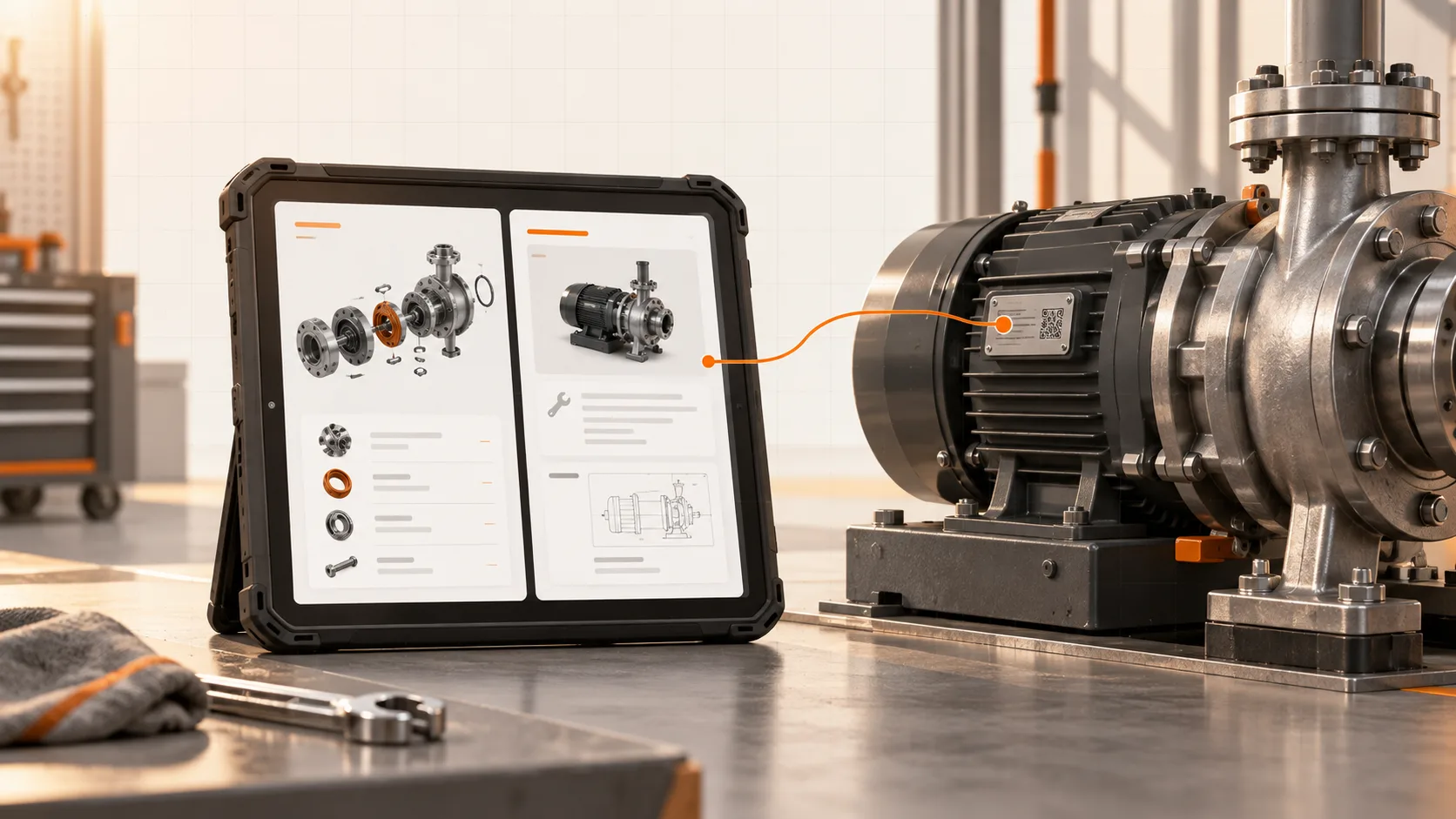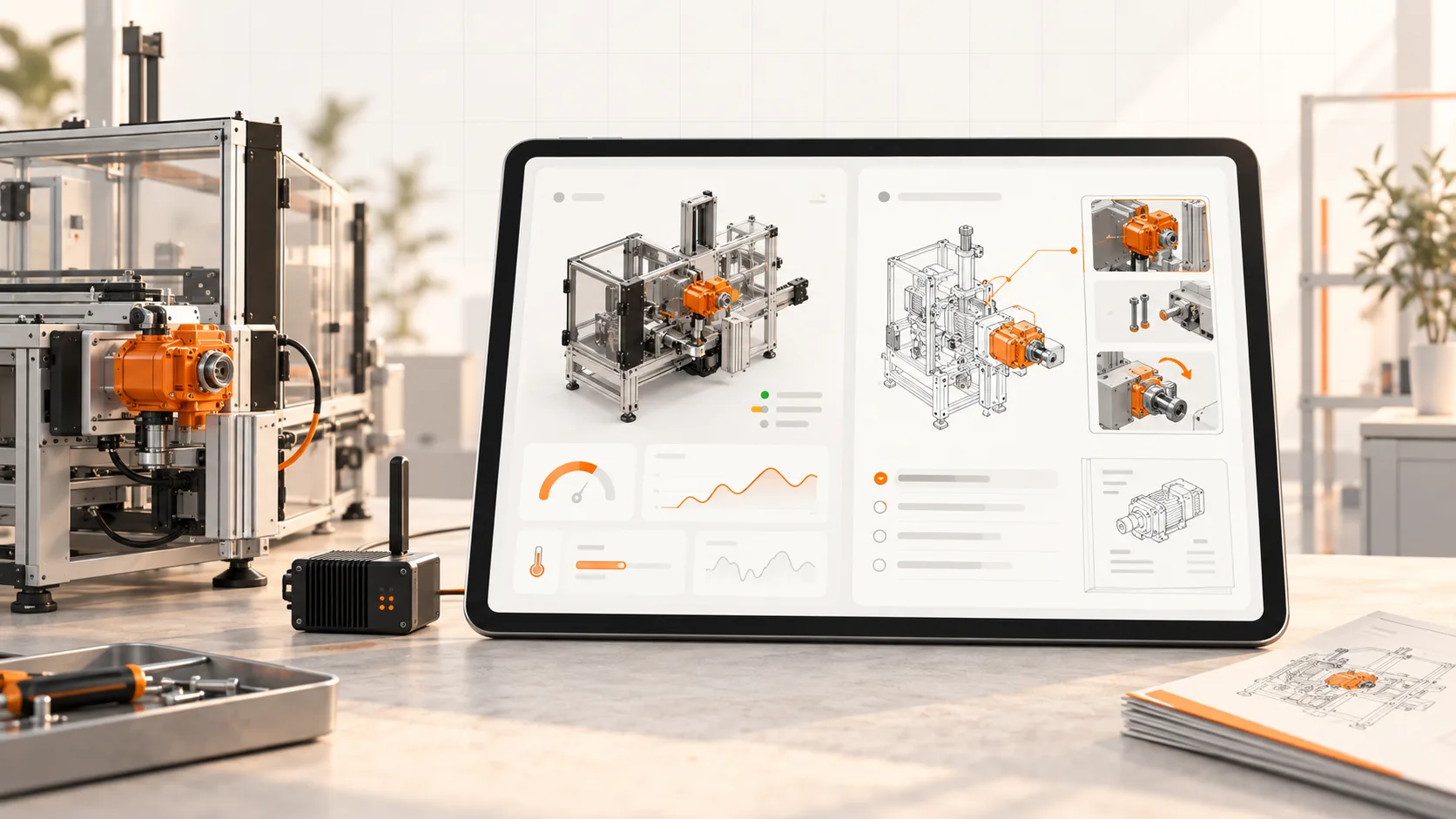
An engineer opens a machine in IXON Cloud to investigate an alarm. The next step is often to find an instruction, a drawing, or a parts reference.
If that information lives in an unrelated folder, the service session loses its machine context. Someone has to search again and decide which document applies.
Bringing documentation closer to the IXON workflow can reduce that searching. The important work is mapping the right content to the right machine.
There is already a documentation use case
IXON describes remote access, machine insights, and customer service portal products for machine builders. Its marketplace includes a Document Management app and a listing for Soply work instructions. IXON platform, IXON Marketplace.
Those listings establish a starting point. They do not mean every desired behavior is available automatically in a particular account. Confirm the app, permissions, and setup in a demonstration.
An uploaded PDF can be a useful solution if it is applicable and maintained. The next question is how the team will manage revisions and related tasks as the installed base changes.
Decide what the machine page should help someone do
Choose a few service tasks: open the manual, find a maintenance procedure, identify a service part, or raise a question with the right context.
For each task, identify the target document and how the user should reach it. A link to the whole documentation library may be too broad. A link to a single procedure may be too narrow if the user first needs to check the machine configuration.
Show recognizable machine information at the destination so the technician can confirm they are in the right place.
Confirm identity and applicability
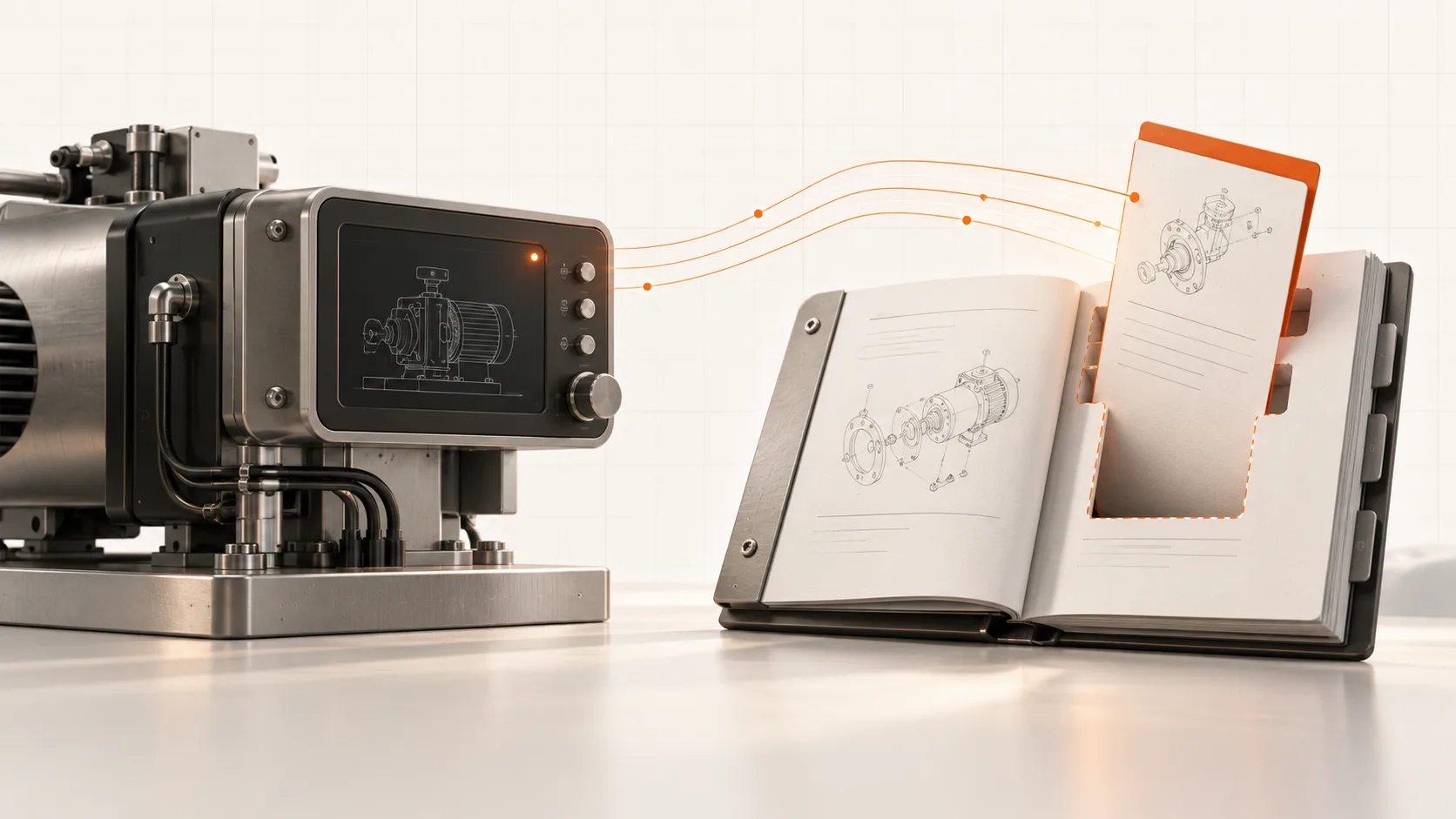
Map the IXON machine record to the documentation record using agreed identifiers. Include configuration or revision information where it changes the applicable instructions.
Test two machines of the same model with different options. They should not silently receive identical instructions if the task differs.
Also decide what happens when the mapping is missing. Show a clear route to the relevant owner rather than defaulting to an unverified procedure.
Keep access practical
A service engineer and a customer technician may have different permissions. Test both roles using the access they would normally receive.
Check whether the chosen implementation opens a linked page, embeds content, or uses another supported integration. Confirm mobile use and any additional sign-in. Access to documentation should follow the customer’s agreed controls without requiring unnecessary remote-control privileges.
Keep appropriate downloads available for work during an outage. The technician may need the instructions precisely when the connection or machine interface is unavailable.
Review changes before customers see them
When engineering changes a procedure, determine which machines it applies to and release it through the agreed approval process. Retain the previous version and its applicability.
A live link makes distribution easier. It does not resolve an engineering discrepancy or prove that every older unit should use the newest instruction.
Where service records are kept, retain the document revision actually used for a completed task.
Pilot the complete path
Soply’s documentation workflow can bring manuals, work instructions, and parts information into a coordinated customer set. For an IXON pilot, test the route from a real machine record to that set rather than reviewing the platforms separately.
Ask a technician to find one approved procedure and the relevant part. Record search time, incorrect selections, and any repeated login or identification work.
Book a Soply demo for your IXON workflow. Bring one machine record, its current manual, and the service task you want to make easier.