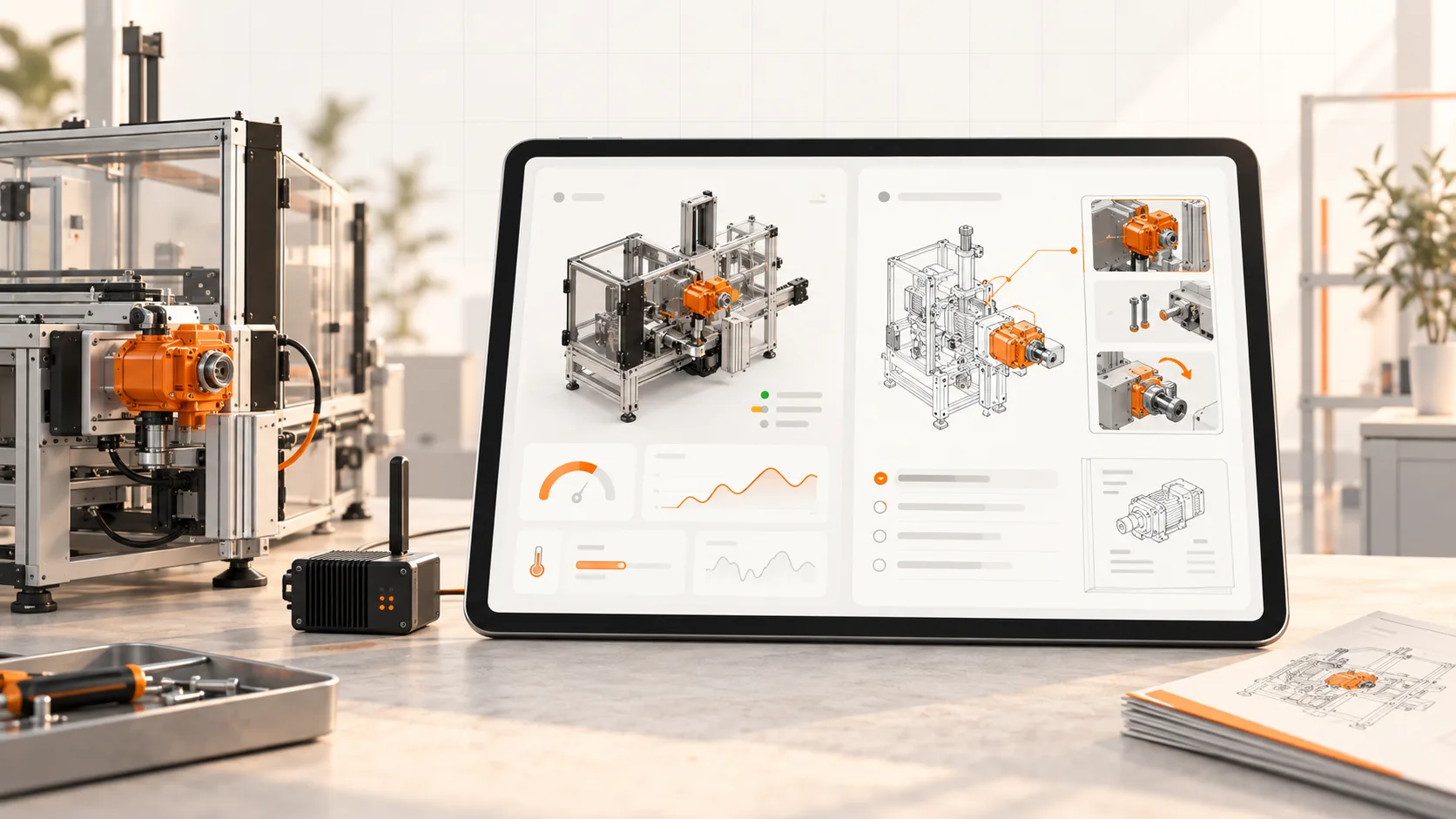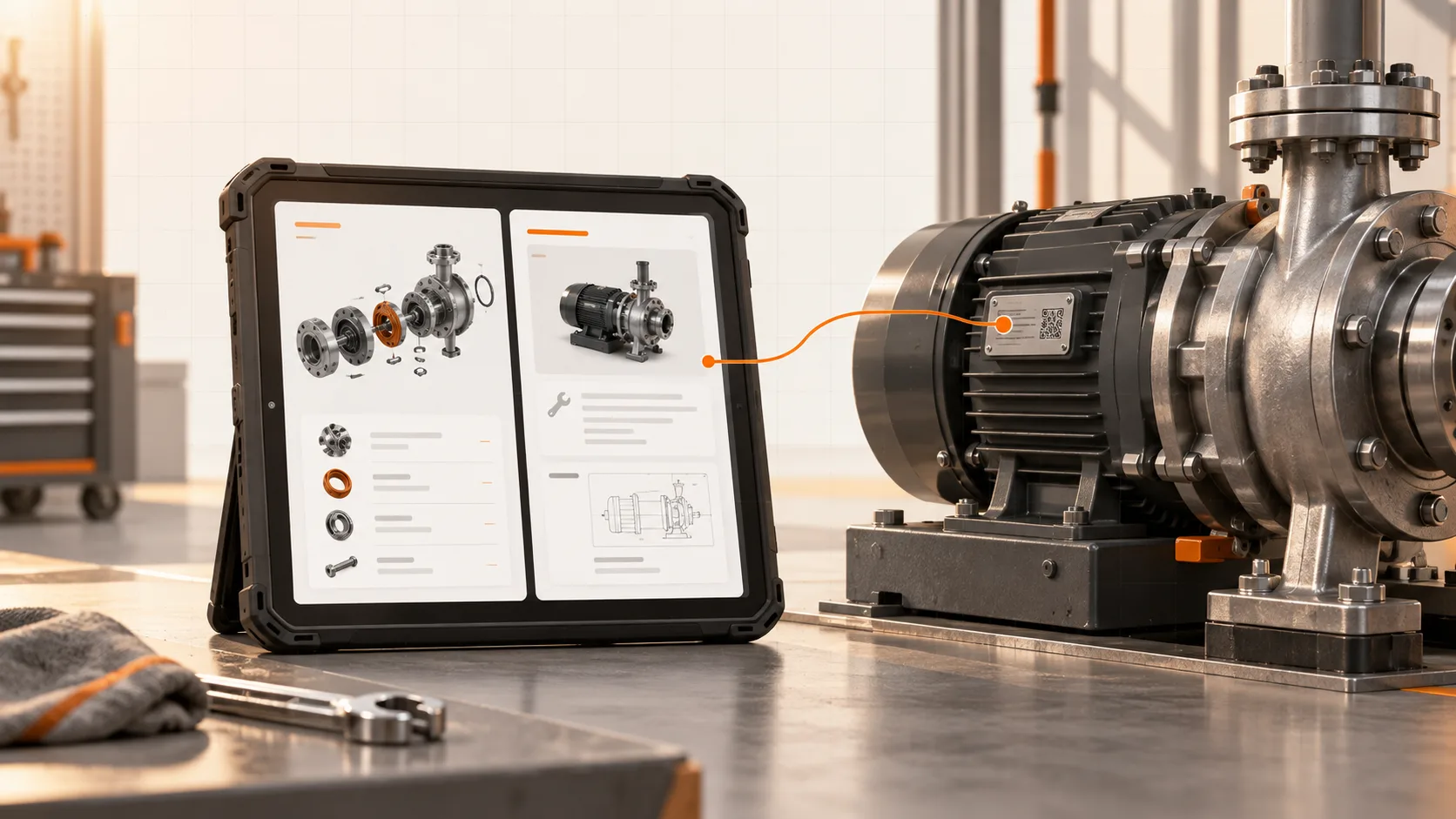
Your engineer can reach the machine remotely. Finding the procedure can still involve a phone call.
Remote access and documentation solve different parts of service work. One lets the engineer inspect the connected equipment. The other explains the approved task, applicable configuration, and relevant parts. Putting them within easy reach of each other can make a service session much less fragmented.
You do not necessarily need to replace the connectivity platform. Start by deciding where the documentation should appear and who needs to open it.
What the three platforms contribute
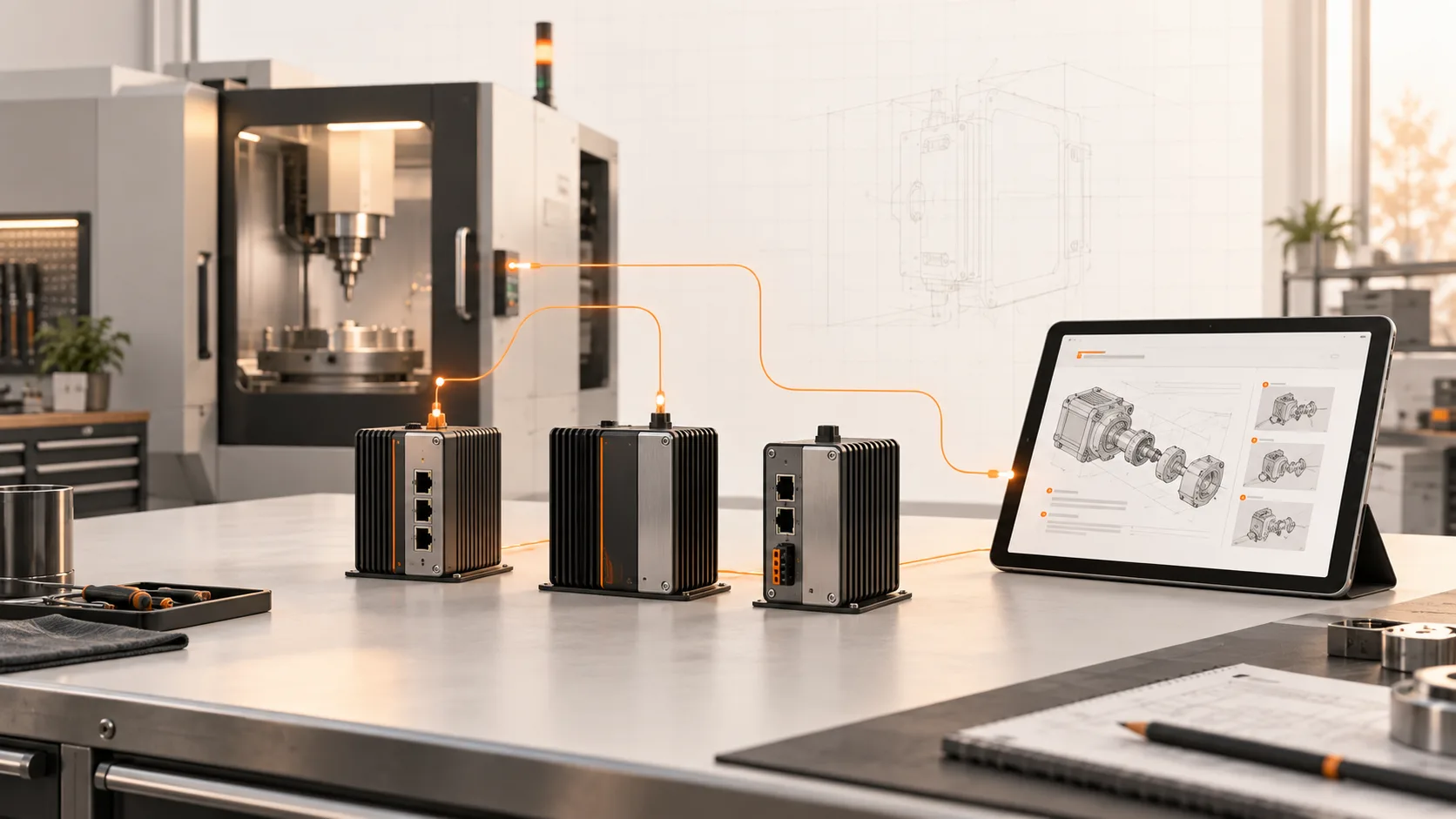
Ewon, IXON, and Secomea all serve industrial remote-access needs, with different product structures and additional capabilities.
Ewon by HMS Networks provides industrial connectivity through gateways and services including Talk2m. IXON describes remote access, machine insights, and customer service portal offerings for machine builders. Secomea focuses on secure remote access for operational technology.
Use the product and deployment you actually have as the starting point. A supplier’s broad platform description does not establish which portal features, data services, or integrations are enabled in your account.
Choose a delivery pattern that solves the task
There are three useful levels to consider.
A machine-specific link opens the applicable documentation from a machine record or another approved customer surface. It is a sensible first step when a deeper integration adds little value.
A portal component brings instructions into the same working environment as machine information. Check embedding support, permissions, mobile behavior, and download access.
A contextual integration passes machine identity, configuration, or a selected fault to the documentation workflow. This needs agreed identifiers and supported interfaces. It should also handle missing or uncertain matches rather than silently choosing a generic procedure.
Start with the least complicated option that reliably gets the user to the correct instruction.
Treat documentation access and control access separately
A customer may need a manual without permission to open a remote PLC session. Equally, permission to view one customer’s documents should not reveal another customer’s machine information.
Review the roles and access boundaries with the customer’s IT and service owners. A convenient documentation link should work within those controls. It should not require weakening them.
Also consider service during a connectivity outage. Keep the required downloadable instructions available through an appropriate route, rather than depending entirely on a live connection to the machine.
Where Soply fits today
The IXON Marketplace lists Soply work instructions, and Soply’s website lists IXON among its integrations. That gives IXON users a concrete starting point for a demonstration.
For an Ewon or Secomea environment, discuss the supported portal-link or API approach for your setup. This article does not imply a prebuilt Soply connector for every gateway platform.
Whatever the delivery method, the documentation still needs verified applicability, an approval process, and an owner who responds to machine changes.
Try one ordinary service call
Select a recurring, suitable service task. Open the machine as the engineer normally would. Find the procedure, check its revision and applicability, identify the required part, and raise a question if the information does not resolve the issue.
Record where the user changes tools or re-enters information. Those interruptions define the next improvement.
Show us your remote-service workflow. We can scope how the relevant Soply documentation should meet the engineer and customer at that point.