The part is visible on the machine but hidden behind a housing in the catalog’s only drawing. The technician rotates the printed page, checks another view, and sends the parts desk a photograph.
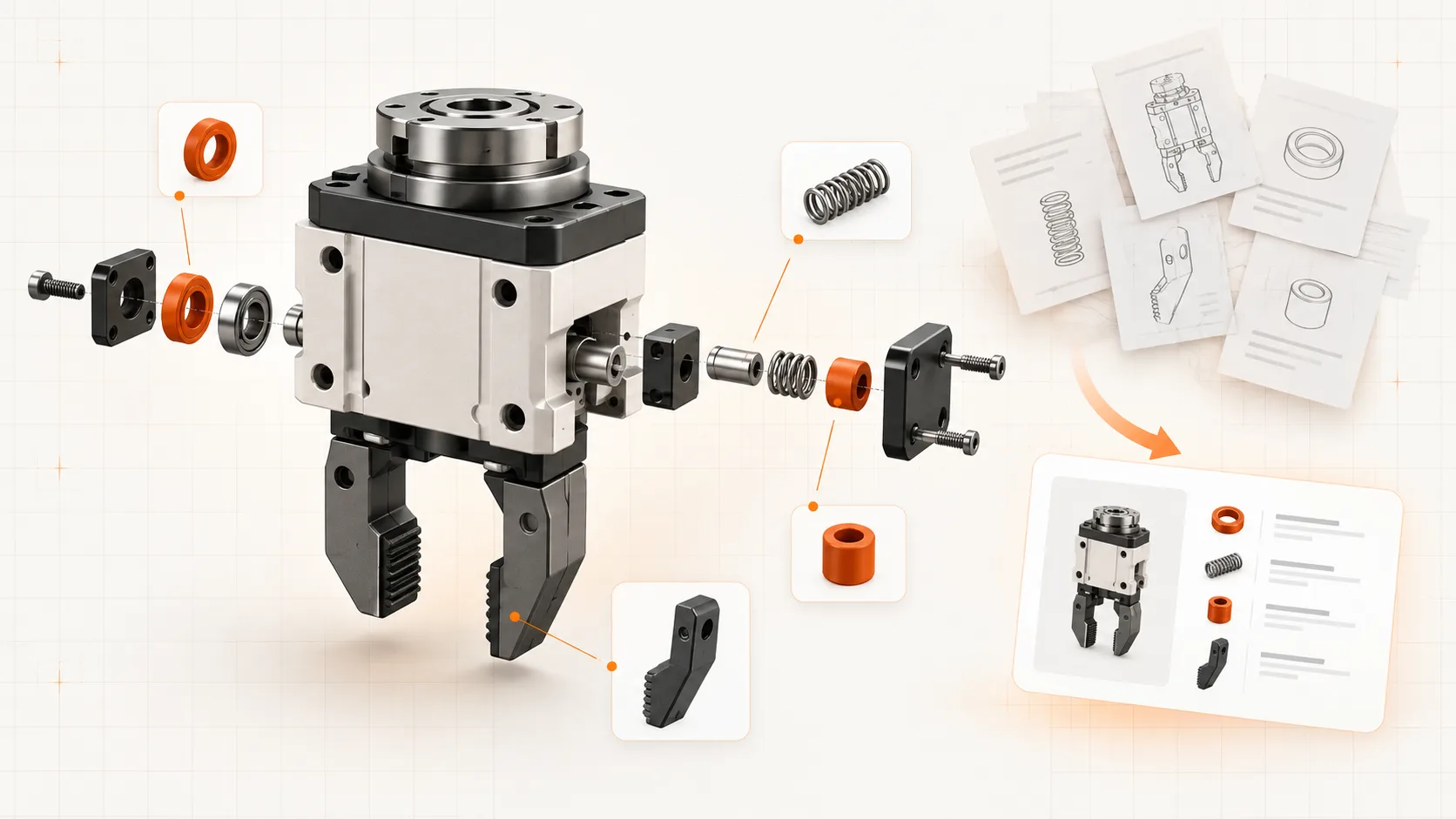
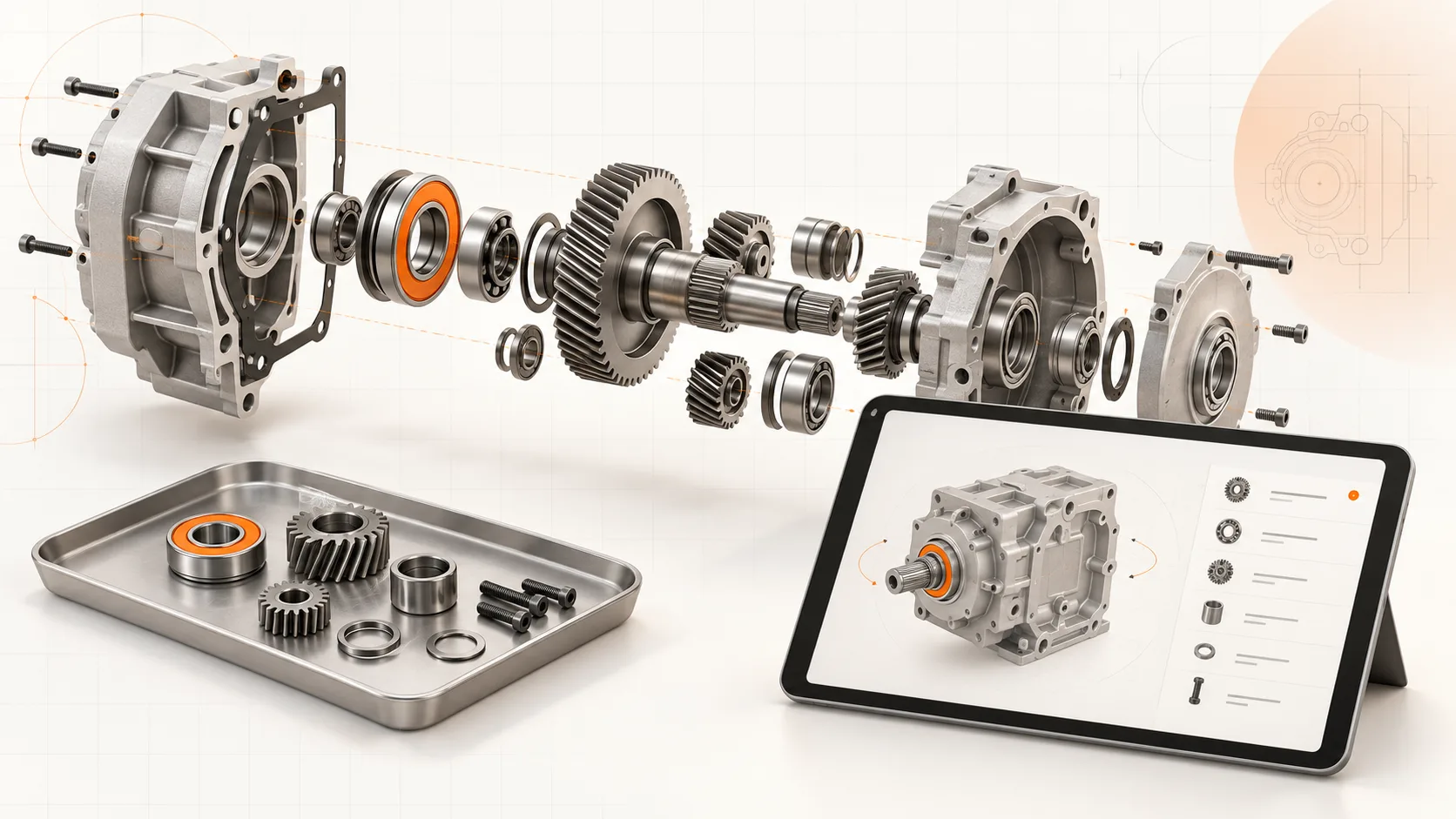
An interactive 3D spare parts catalog gives that person another way to find the component: rotate the assembly, isolate a section, and select the part. A suitable STEP file can provide the geometry for that experience.
The important word is suitable. A useful customer catalog needs more than a 3D model.
Inspect the STEP export first
Check whether the file preserves separate components and an assembly hierarchy. Open it and compare the structure with a machine your service team recognizes.
If the export is flattened, the names are opaque, or the revision is uncertain, resolve those issues before assuming every component can become a clean catalog entry.
The model also needs to cover the equipment being supported. A detailed design model for the newest version will not identify the correct parts for every older machine in the field.
Decide what belongs in the service catalog
A manufacturing BOM and a customer parts catalog serve different tasks.
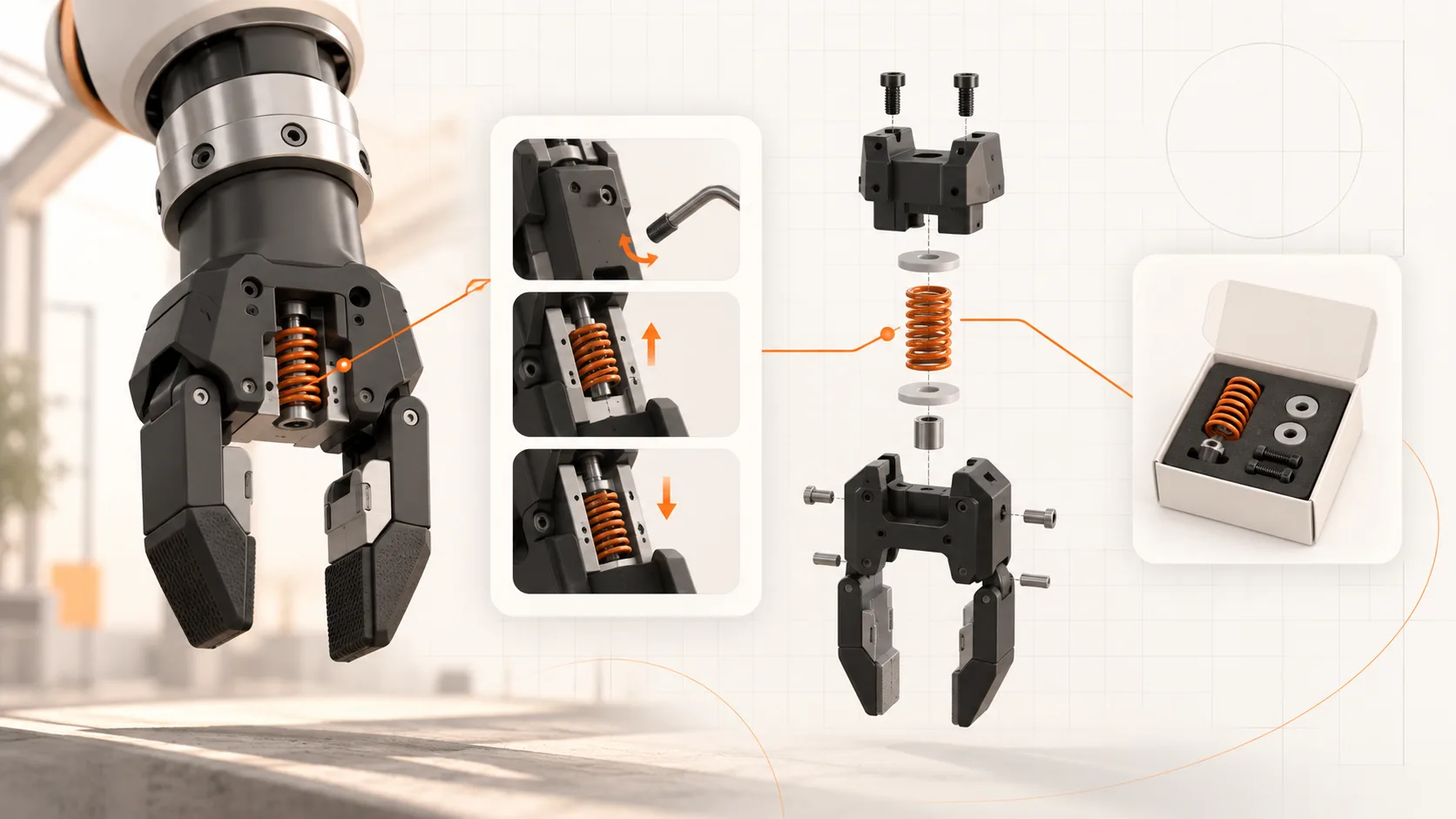
Customers may need a replacement assembly, a service kit, or a consumable rather than every manufacturing component. A supplier assembly may require additional documentation to identify its serviceable internals.
Start with the parts your service desk regularly helps customers identify. Keep the navigation understandable and mark the scope of the catalog. You can expand coverage without presenting every visible piece of geometry as an orderable item.
Connect positions to confirmed parts
A position marker helps the reader find a component in the view. It is not the commercial identity of the part.
Map the position to a verified article number, description, and applicability record. Include relevant supersessions and the conditions under which a replacement fits. Where the evidence is incomplete, route the user to an enquiry with the machine context attached.
This check is especially important for visually similar bearings, seals, and purchased modules. Appearance alone is not enough to establish equivalence.
Make the customer workflow usable
Test the catalog with a task such as identifying a service kit for one known machine.
The user should be able to:
- Open the relevant machine or configuration.
- Navigate to the assembly and distinguish the selected component.
- Confirm the part number and applicability.
- Reach an order or quote-request route.
- Find the related approved service instructions.
Check this on the customer’s likely device and connection. A large model that runs well on an engineering workstation may be frustrating on a workshop tablet.
Keep a useful print or download option
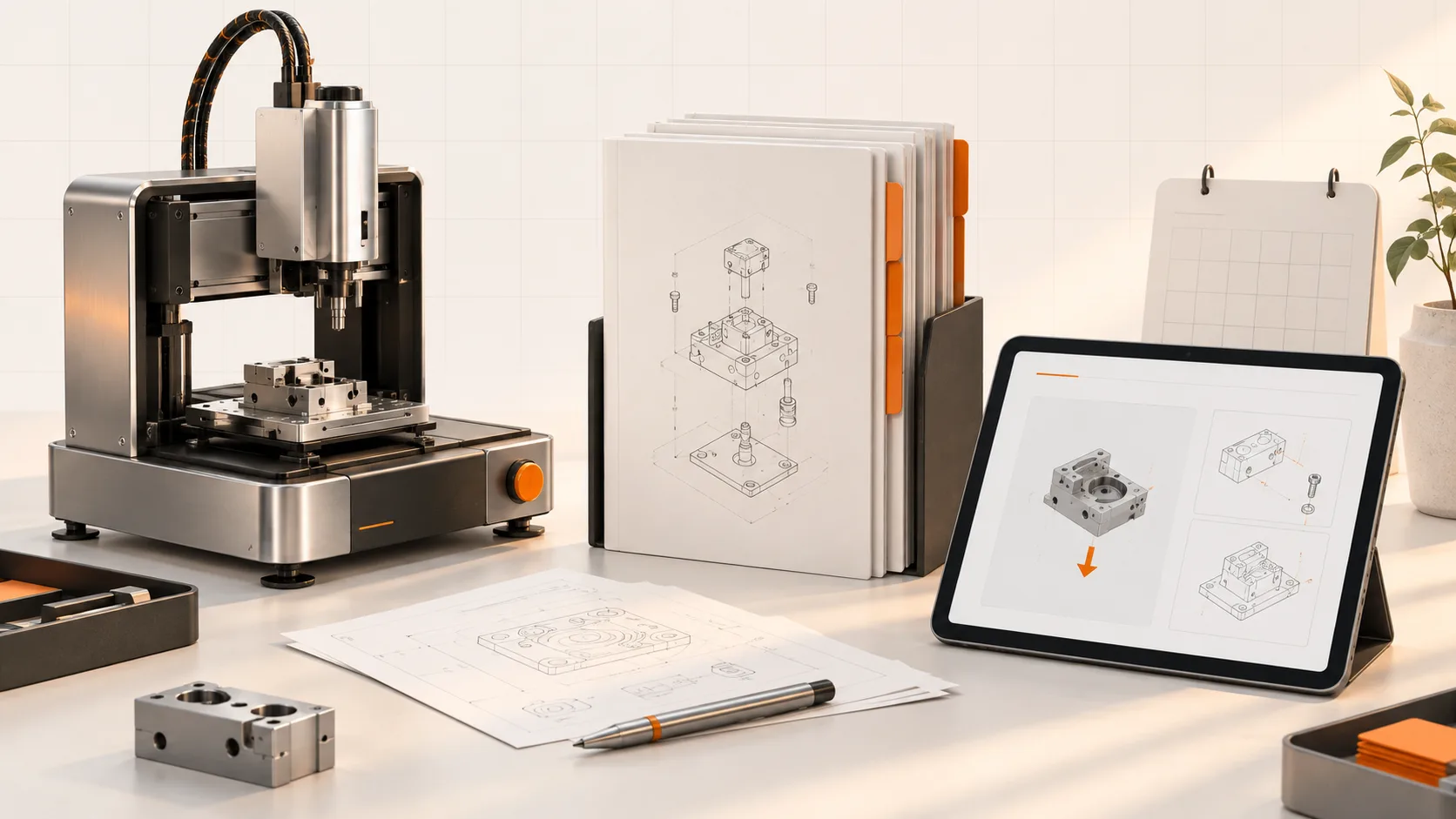
Interactive navigation is valuable, but static illustrations and downloadable documents still have a place. They can support offline work, a printed job pack, or a quick reference.
Do not discard useful PDFs simply because the catalog now has a 3D viewer. Make the relationship between the catalog, the full instructions, and any exported version clear.
Plan the second release before the first
Ask how a changed component will be identified, reviewed, and published. Confirm how existing machines retain the applicable catalog and how a retrofit changes that record.
Soply brings CAD-based catalogs into a wider documentation workflow with manuals and maintenance procedures. A pilot should demonstrate both the first publication and a representative update.
Book a demo with one STEP assembly, its parts records, and three real customer enquiries. The result should be judged by whether a technician identifies the right part with less uncertainty.