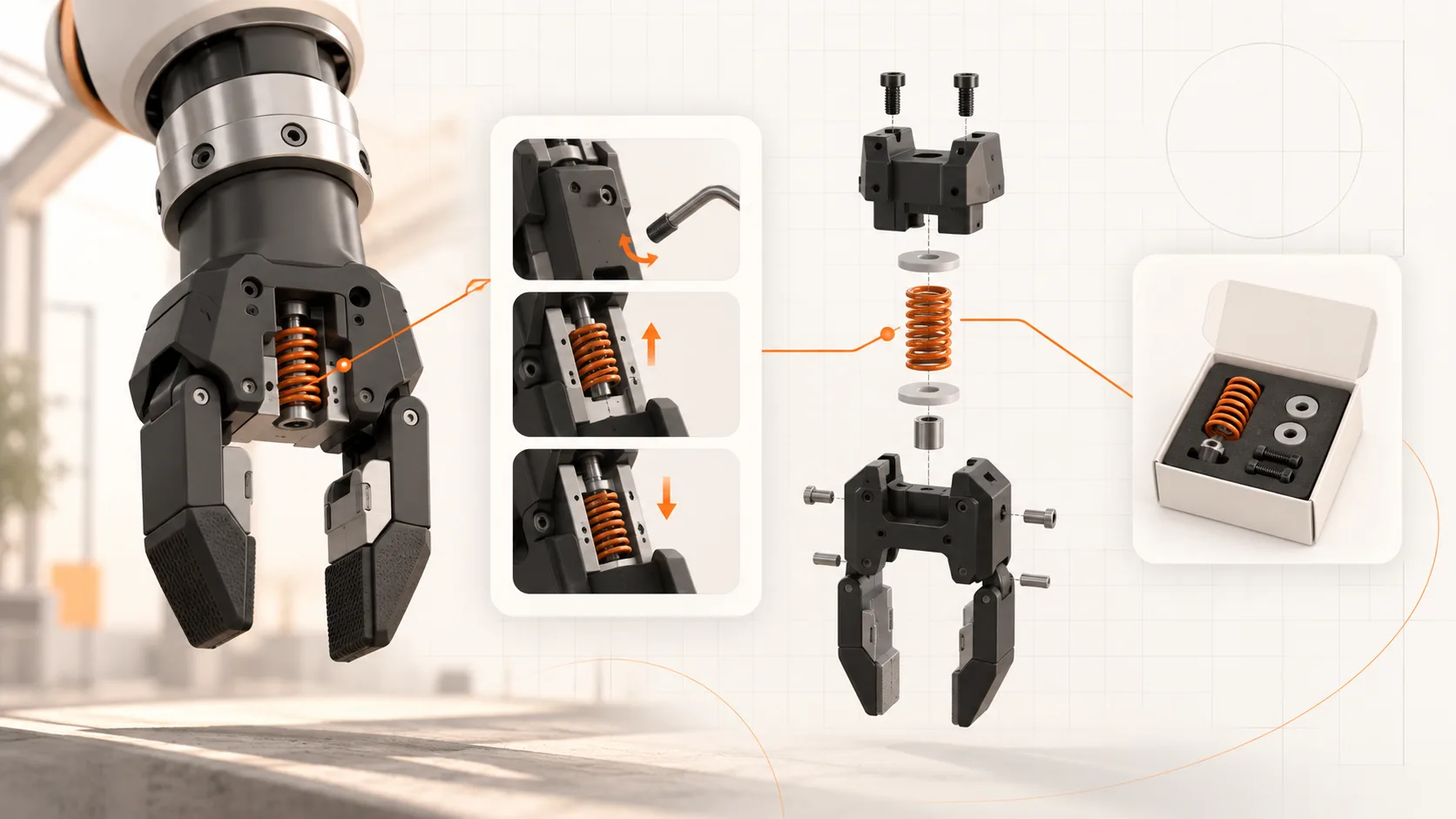
A technician finds the procedure for replacing a gripper spring. The next question is simple: which spring should they order?
If the answer lives in a separate catalog with different names and illustrations, the technician has to identify the component again. That can lead to another search, a photograph sent to support, or an incomplete parts request.
Linking maintenance procedures and spare-parts information keeps that service task together.
Build the connection around a specific task
Start with a recurring job, such as replacing a wear component or performing a planned inspection.
The procedure should establish which machine configuration it applies to, what the work requires, and the appropriate checks and escalation points. The parts information should identify the relevant service item or kit.
Connect the two at the point where the reader needs the part. A generic link to the entire catalog leaves much of the identification work unfinished.
Where several options are possible, explain what information is needed to choose between them.
Use serviceable parts as the reference
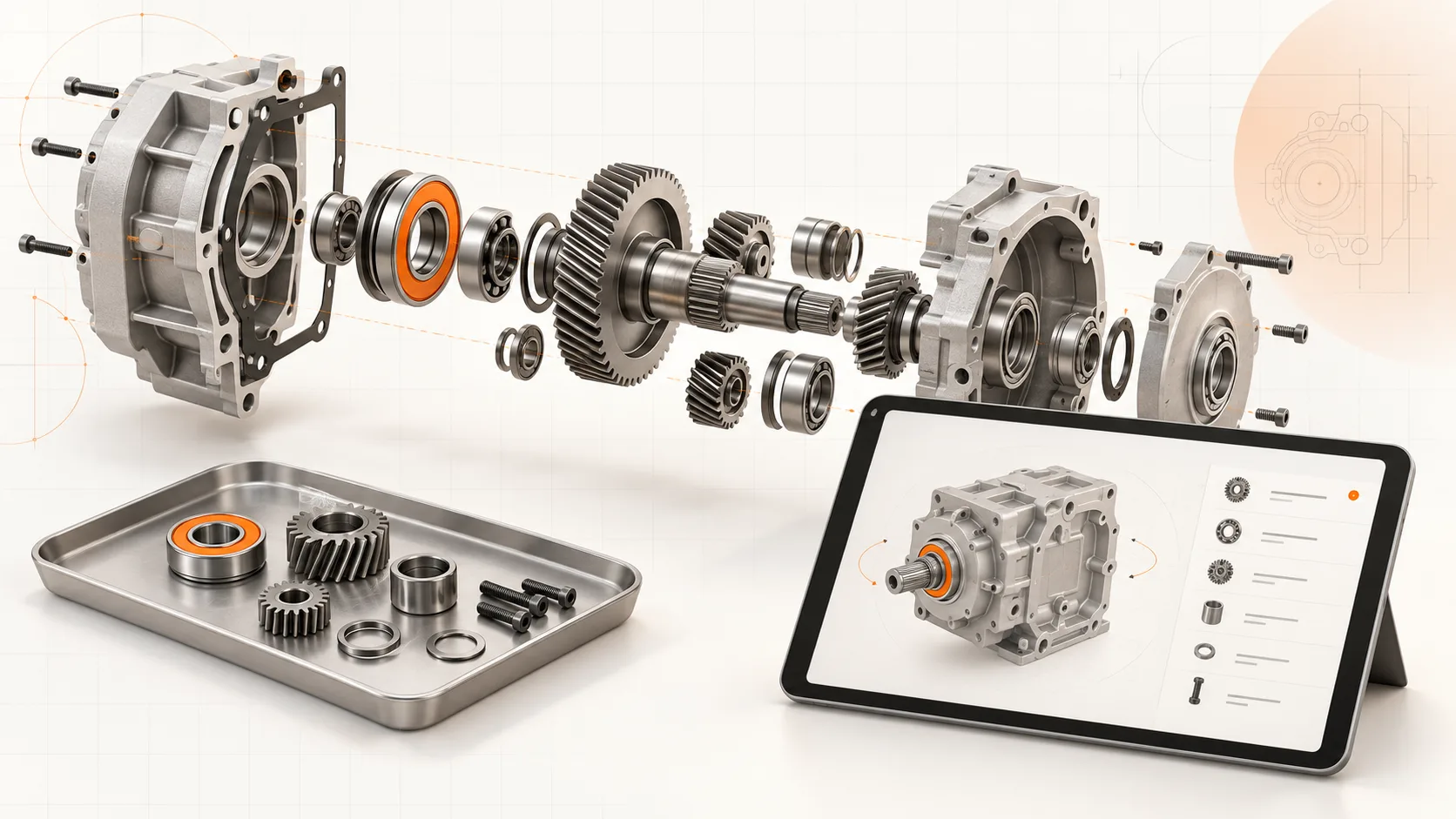
An engineering assembly contains items that may not be sold separately. A technician may need an approved replacement kit even though the CAD model shows several individual components.
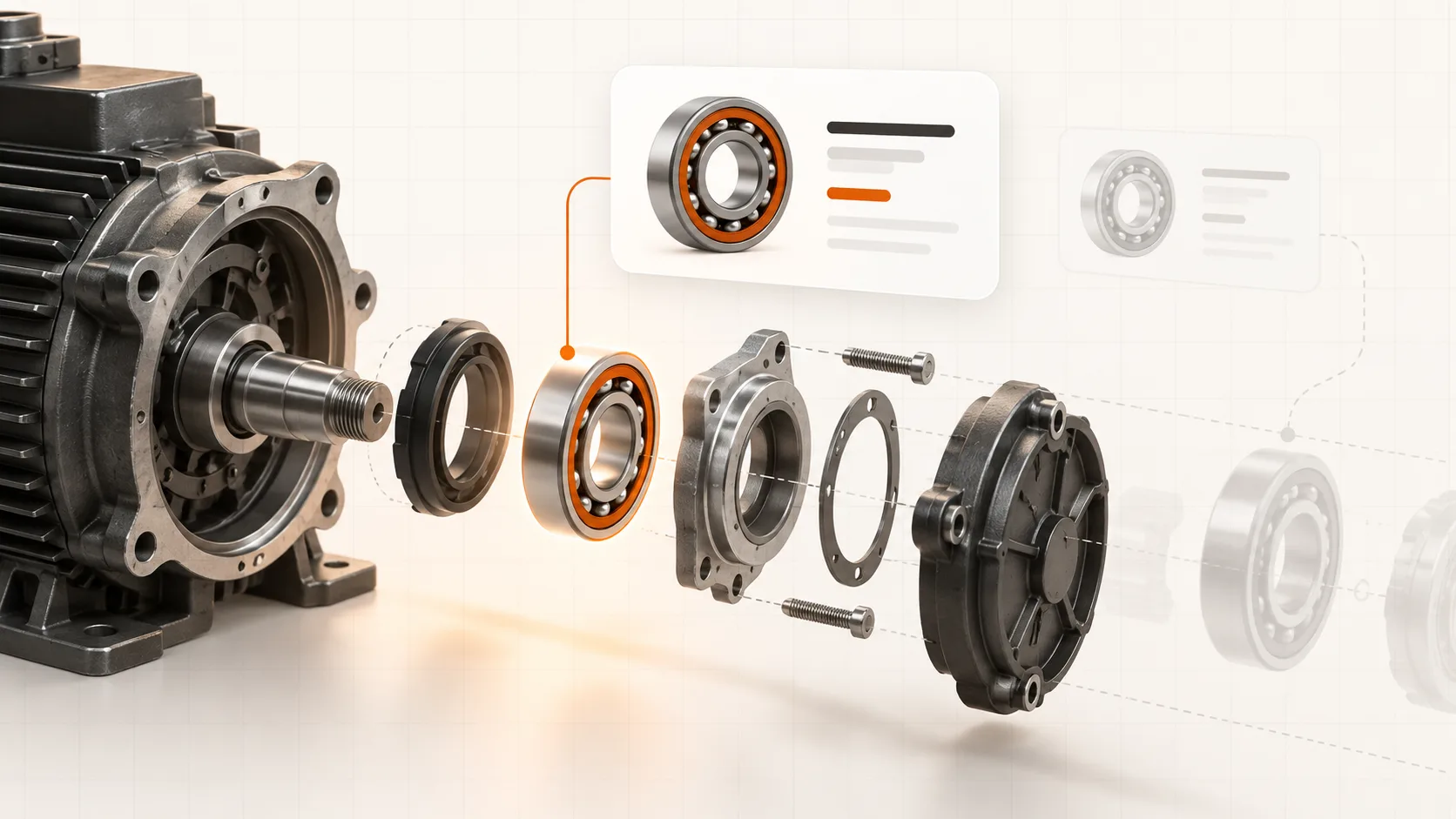
Map the illustration to the orderable service item. Include the part number, description, applicable configurations, and any approved supersession information.
A shared identifier is more reliable than matching on a short description alone. "Seal," "spring," or "sensor" may appear many times in the same machine.
If the replacement requires other consumables or a defined kit, make that relationship clear after engineering review.
Keep both sides applicable
A revised procedure and a revised parts list do not necessarily apply to every installed machine.
When engineering changes a component, determine which machines are affected and whether the service procedure changes with it. Record any prerequisites for a retrofit or substitute part.
Retain the earlier release where it remains applicable. The newest catalog entry should not silently overwrite the instructions needed for an older configuration.
The same principle applies after work is completed: service records should identify the part fitted and, where relevant, the procedure revision used.
Choose the presentation that helps identification
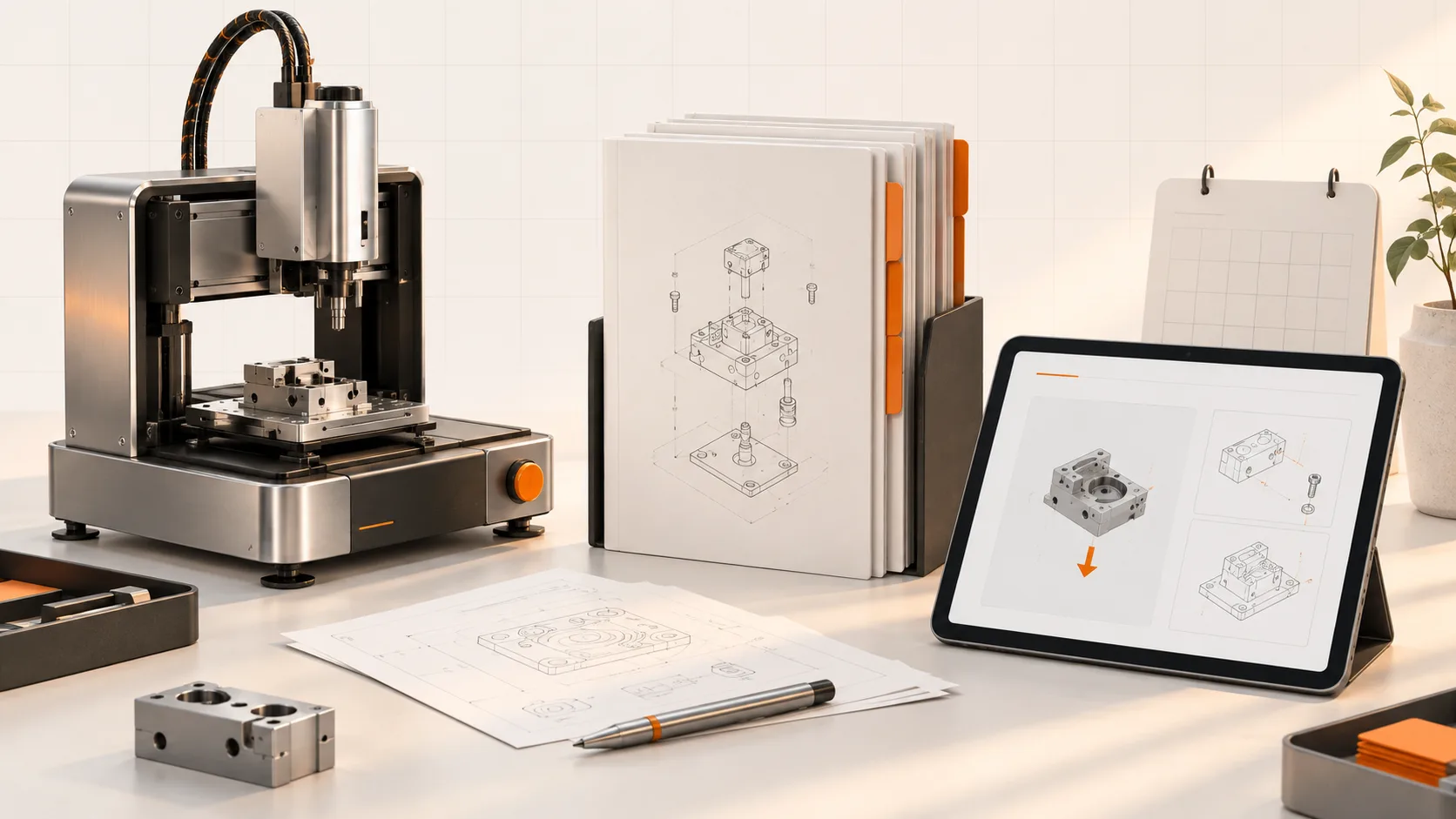
An exploded 3D view can help a technician recognize a component in a crowded assembly. A clear 2D illustration may be entirely sufficient for a simpler job.
Test the view on the device and connection the technician will use. Confirm that the selected part and the procedure remain recognizable on a smaller screen.
Provide appropriate access to the instructions when connectivity is unavailable. A useful online link should not become the only way to understand work that must be performed during an outage.
Complete the path to a request
Once the part is identified, make the next step clear: request a quote, create a parts enquiry, or follow the supported ordering process.
Carry the machine and part references into that step where the implementation allows it. Keep a route for uncertain identification so a technician does not have to guess.
The procedure, catalog, and ordering system can be connected through one platform or suitable integrations. What matters is whether the information remains consistent and the user can complete the task.
Test one job from start to finish
Ask a technician to find the procedure, identify the applicable replacement, and prepare a complete request.
Record where they hesitate, what extra information they need, and whether support has to clarify the request. Follow parts returns and repeat questions over time.
Soply brings documentation and parts information into a connected workflow for machine builders. Bring one recurring service job to a demo and test how easily a customer can move from the instruction to the correct part.