“We need to clean up the BOM first.”
That sounds reasonable. Then the cleanup slips, the catalog waits, and the parts desk spends another month answering emails with photographs attached.
An incomplete bill of materials does not have to stop a spare parts catalog project. It does change how you run it. Start with a small, verified service scope, make the gaps visible, and expand as the underlying records improve.
Work out which kind of incomplete you mean
A missing description is different from an uncertain machine configuration. Treating both as “bad data” makes the project harder to scope.
Your engineering BOM may describe the original design, while purchasing records show a substituted component and a service report records a later retrofit. A bought-in gearbox may appear as one assembly even though customers need its seal kit. Or the information may be correct but organized around manufacturing rather than maintenance.
Write down those differences for one machine. Give each unresolved item an owner and a source to check. “Confirm the drive fitted to serial 4471” is a task someone can finish. “Fix the BOM” is not.
Start with the parts your customers actually request
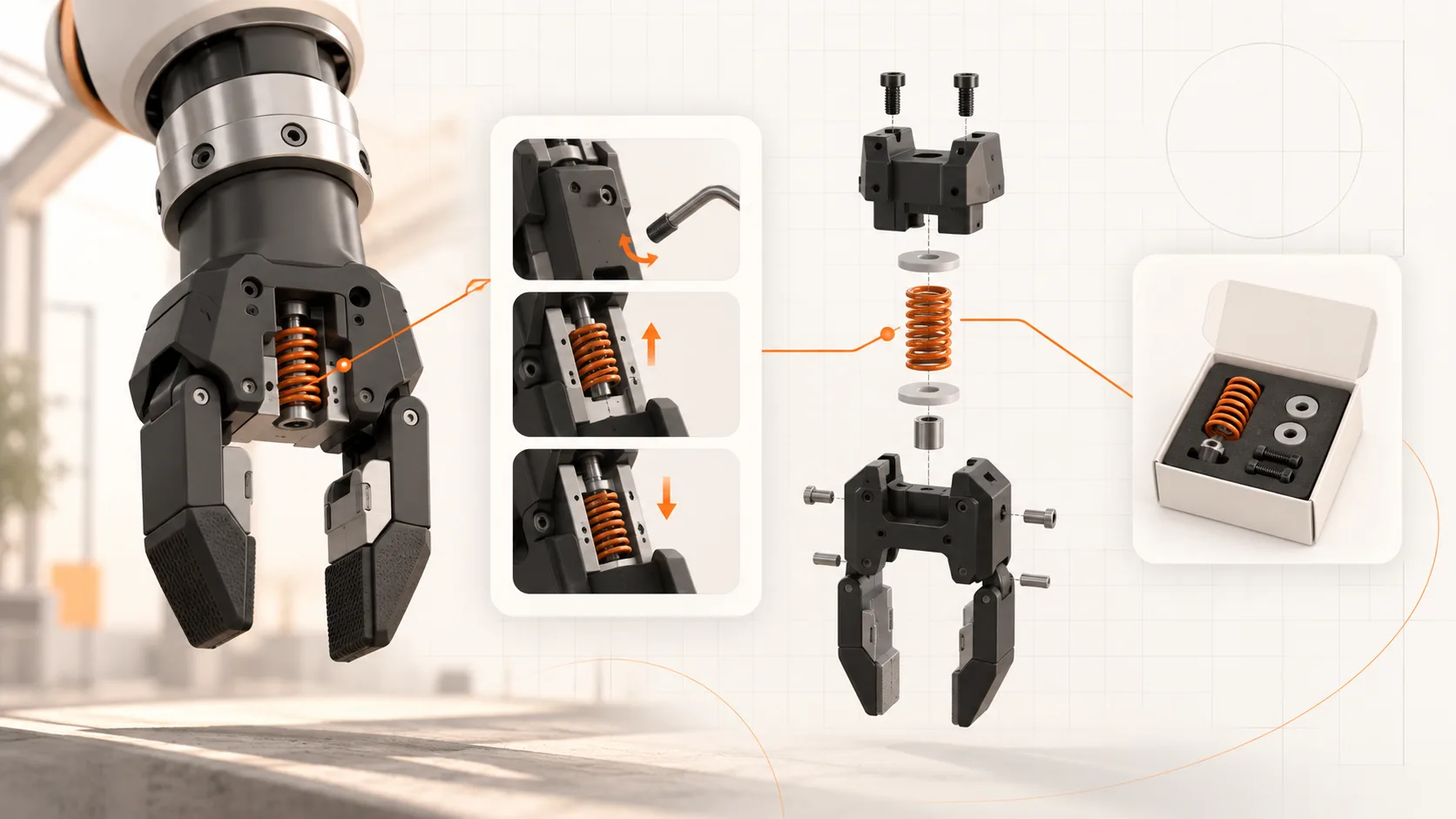
Take recent spare-parts enquiries and orders for one product line. Identify the wear parts, consumables, and replaceable assemblies that repeatedly need clarification.
For each selected item, confirm:
- The sellable part number and description.
- The machine or configuration it fits.
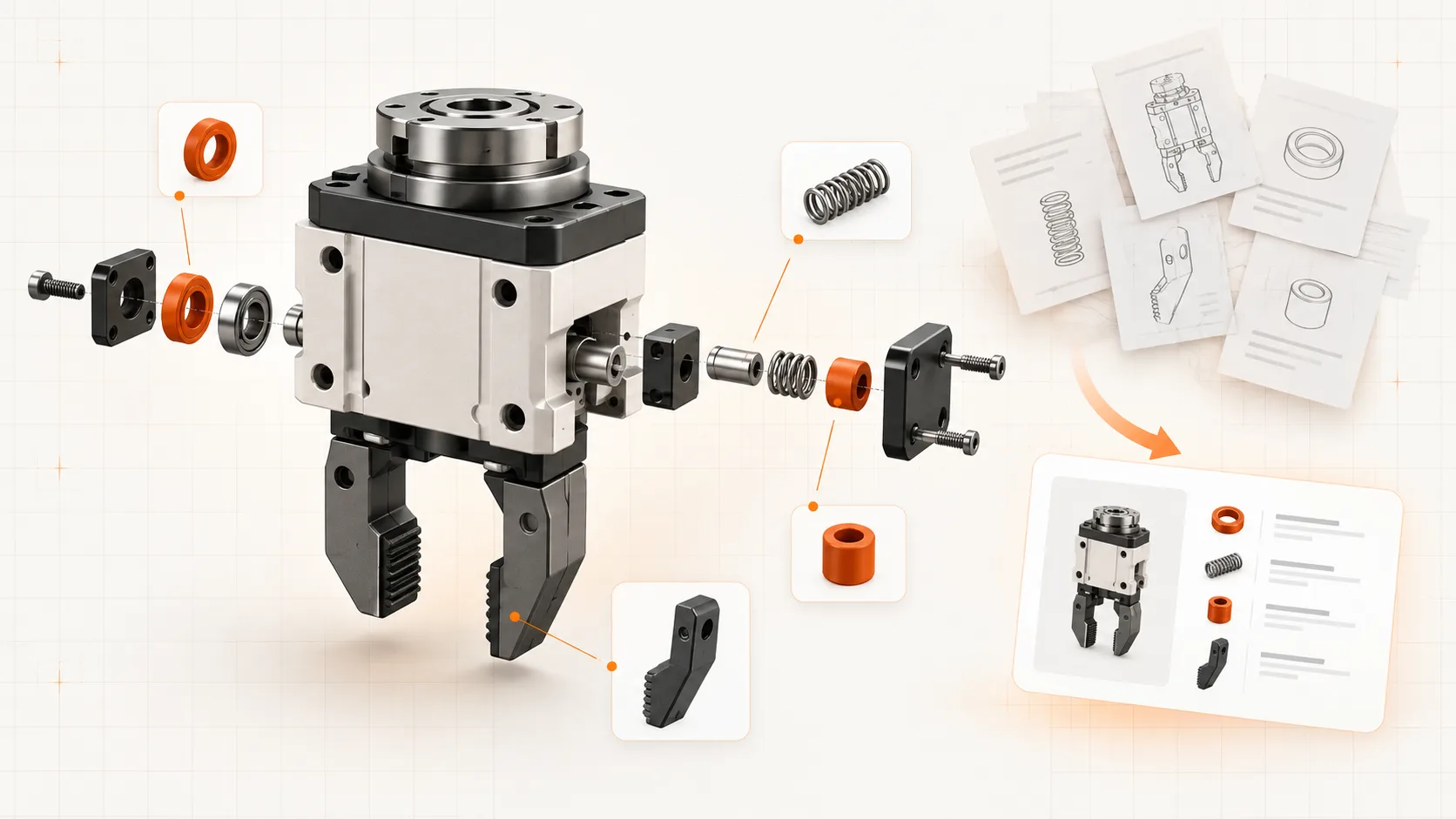
- A visual reference that distinguishes it from similar parts.
- Superseded numbers and any restrictions on replacement.
- The next step for ordering or requesting a quote.
You can publish a deliberately limited service catalog. Describe its coverage clearly and provide an enquiry route for unlisted parts. An uncertain part match should stay flagged for review rather than appearing as a confident recommendation.
Use CAD for geometry, then verify the identity
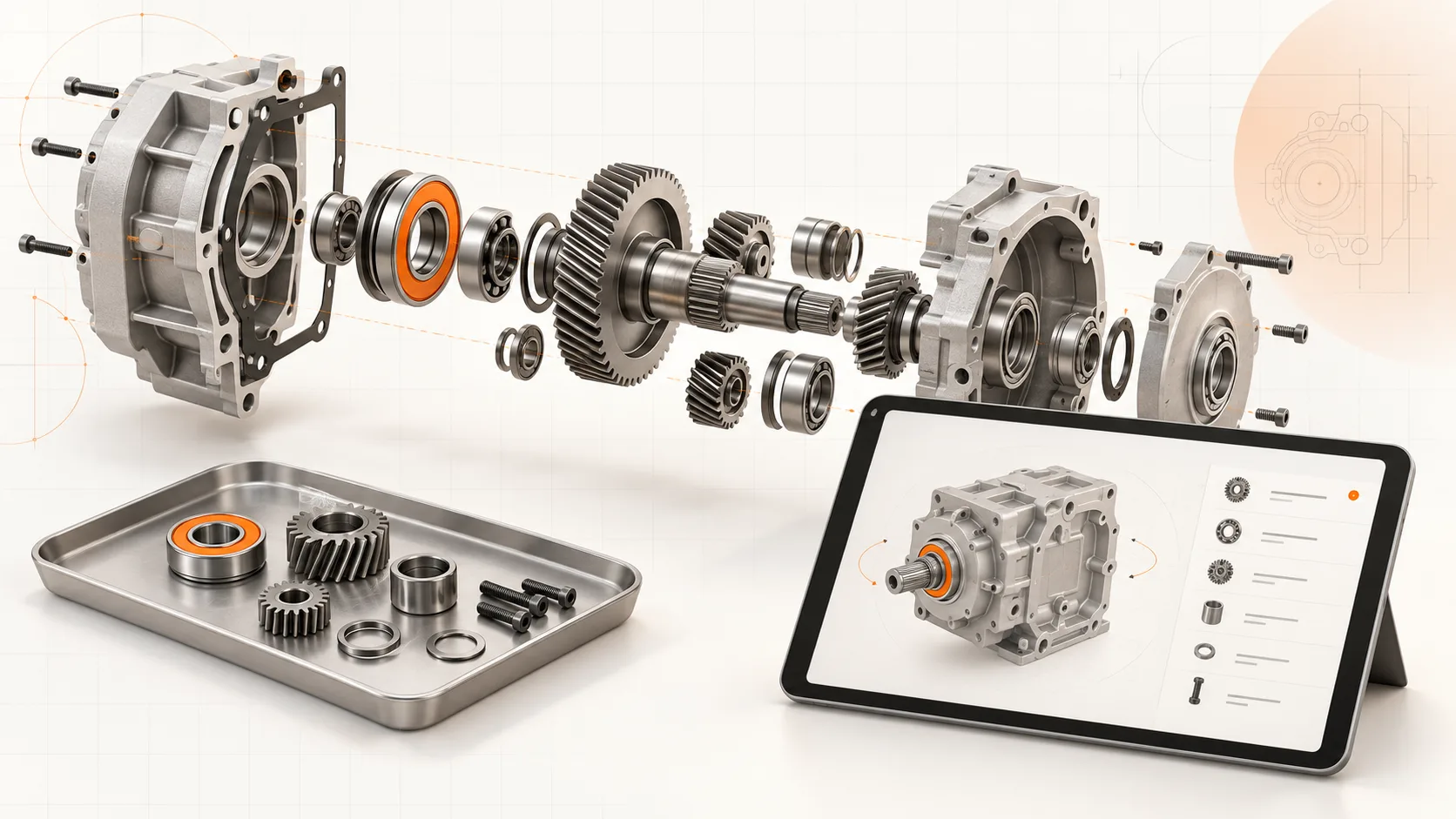
A suitable STEP export can provide the shape and assembly structure for a 3D catalog. That saves redrawing work and helps a technician navigate from the machine to a component.
Check the export before planning around it. Some files arrive as flattened geometry or contain unhelpful component names. The model may also represent the design revision rather than the unit in the field.
Geometry answers “where is it?” Your approved parts data must answer “what can this customer order?” Keep those questions separate until the mapping is verified. A familiar-looking seal is not enough evidence of compatibility.
Soply’s CAD and documentation workflow brings these materials into the same authoring process. The useful outcome is a catalog with confirmed links, plus a specific list of unresolved items.
Keep configuration history intact
Publishing the newest design to every customer can introduce a fresh error. A machine shipped before a redesign may still need its original assembly and procedure.
Record the configuration covered by each catalog release. When a retrofit changes it, retain the previous record and publish the approved update to the affected machines. Where historical evidence is missing, ask for confirmation before recommending a replacement.
This work improves the installed-base record over time. It does not make the catalog a substitute for checking what was actually built and changed.
Judge the first release by a real lookup
Give a service technician three typical requests. Can they find the correct part, establish whether it fits, and submit a useful enquiry without calling the engineer who designed the machine?
Track the unresolved lookups and wrong-part enquiries. Those are better priorities for the next cleanup round than completing every unused column in an ERP export.
Bring one assembly, its current parts records, and a handful of real enquiries to a Soply demo. We can use them to scope a documentation pilot around the data you have today.