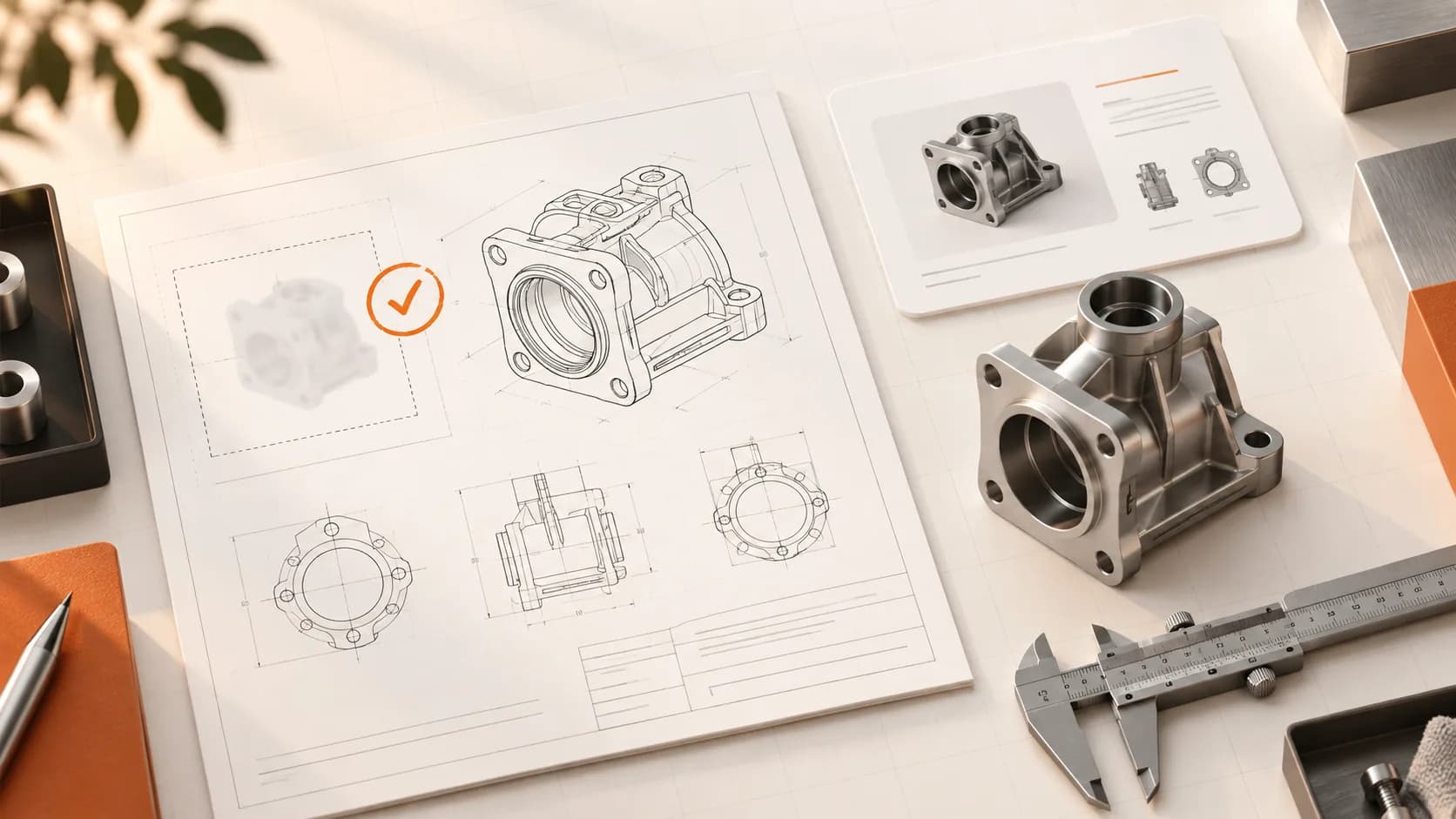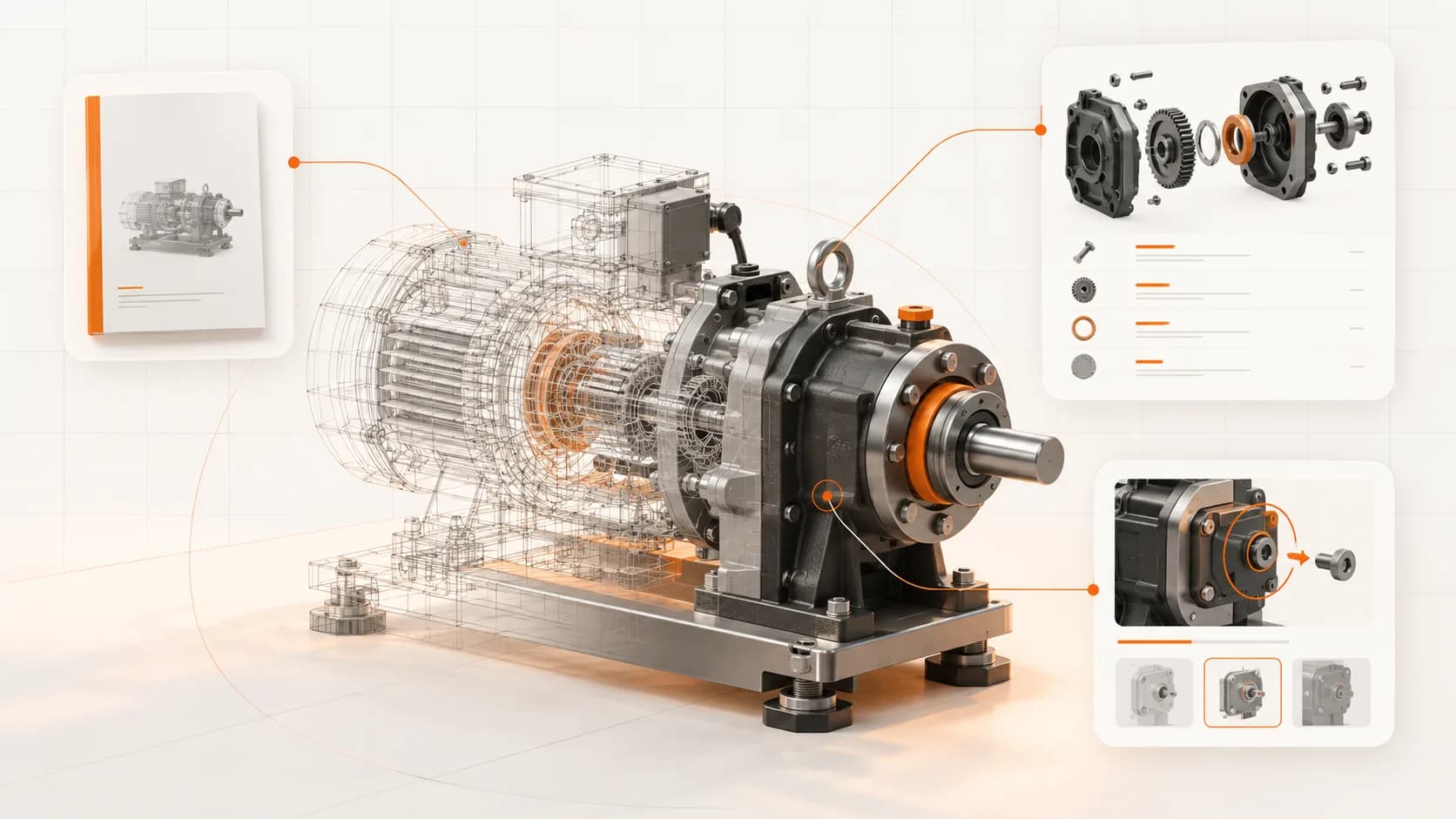
A machine's geometry lives in CAD. Its sellable parts live in the ERP. The commissioning steps may be in a recording, while the safety information sits in the risk assessment.
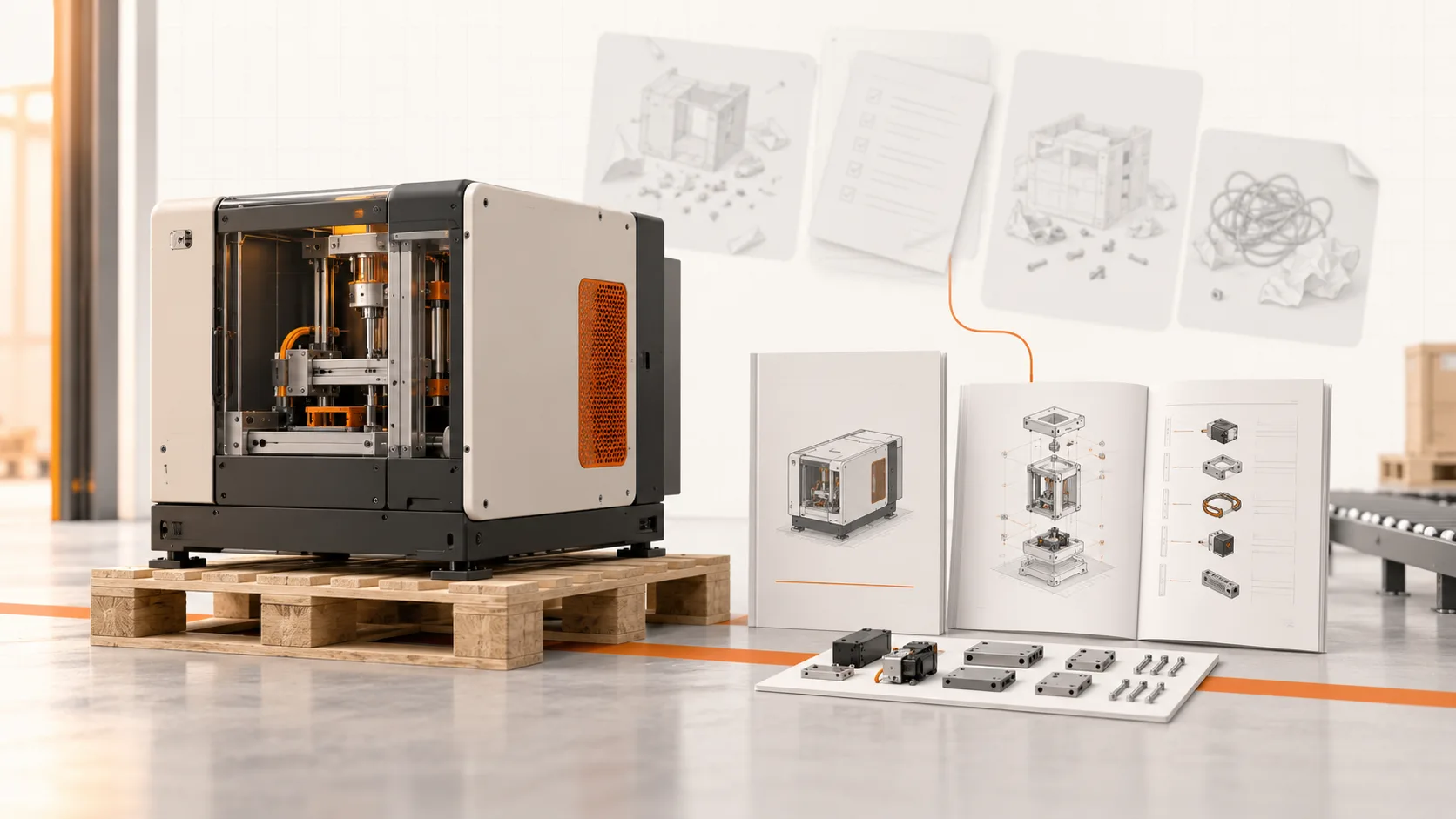
Writing a customer manual means bringing those sources together. Problems start when each output becomes a disconnected copy: a parts list in a spreadsheet, screenshots in Word, maintenance steps in a PDF, and translations maintained separately.
A shared documentation workflow reduces that copying. It also makes the limits of each source visible, which matters just as much as generating the first draft.
Give each input the right job
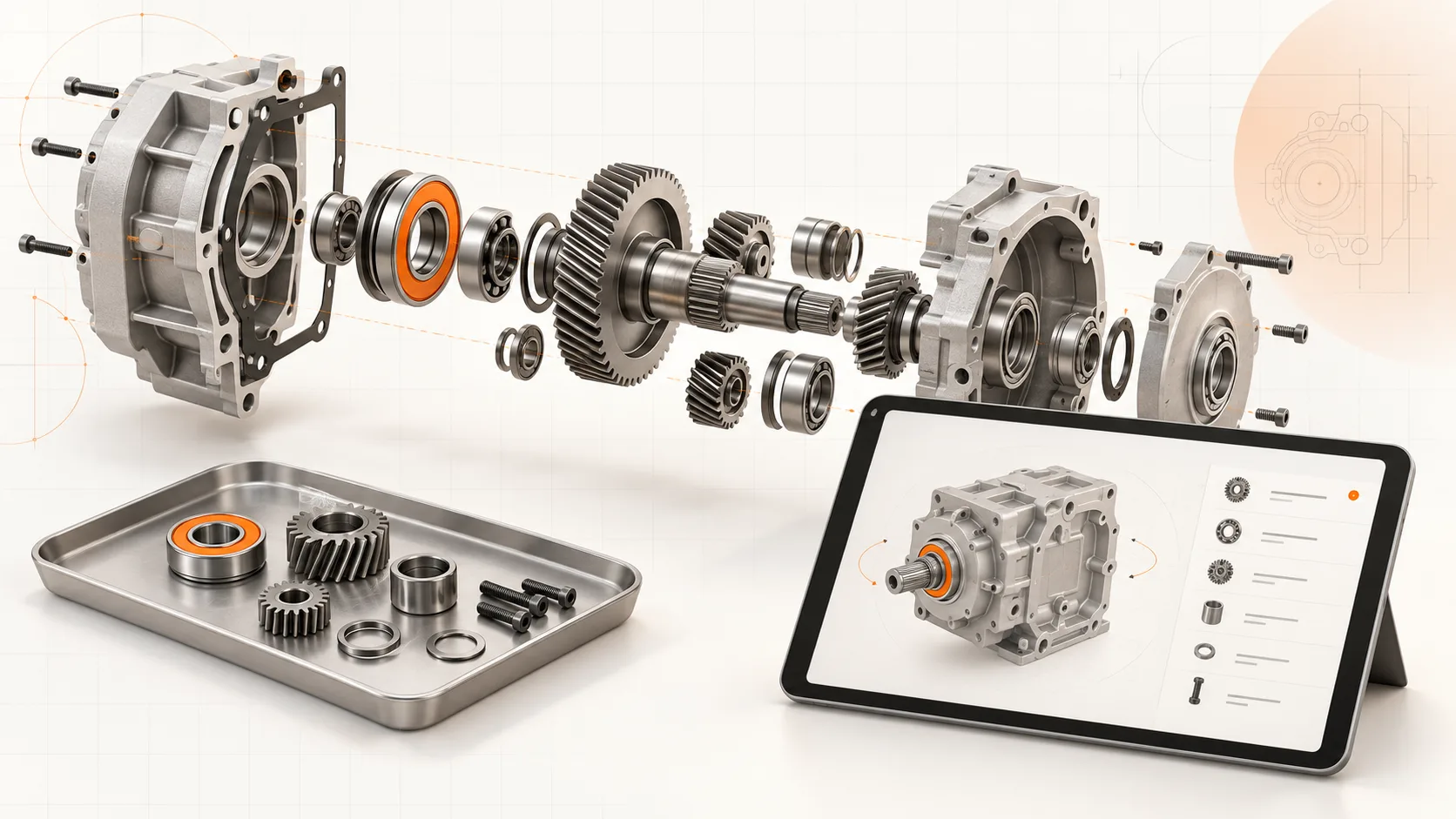
CAD and STEP files provide geometry and, when preserved in the export, assembly structure. They can support illustrations, exploded views, and navigation through a parts catalog.
BOM and article data provide identifiers, descriptions, quantities, and commercial references. These need to be checked against the configuration being documented.
Video and screen recordings capture how a task is demonstrated. They can show movements and interface actions that are difficult to explain from memory.
Existing documents and assessments supply approved requirements, supplier information, operating limits, and the safety content a recording may never show.
A CAD model does not establish a lubrication interval. A video does not prove that every necessary isolation step was recorded. Keep missing information visible for a qualified reviewer.
Build one representative documentation set
Start with one machine or a clearly bounded configuration. Agree which sources are authoritative and which outputs are required.
The first set might contain a machine overview, an interactive catalog for selected service parts, and a reviewed maintenance procedure. Link the procedure's part references to confirmed catalog entries.
Do the linking before producing every chapter. It exposes inconsistencies early: two names for the same assembly, an obsolete article number, or footage from a different revision.
Soply's platform supports bringing CAD, recordings, and existing files into this documentation process. The goal is a set your team can verify and maintain, not just a faster collection of drafts.
Make review part of the workflow
Review the outputs against the machine and approved sources. Confirm applicability, step order, part identity, warnings, units, and illustrations.
Give reviewers a concrete question: "Can this technician complete this defined task using these instructions?" It is more useful than asking whether the document looks finished.
Where information conflicts, resolve the source rather than editing each output differently. Otherwise, the same discrepancy will return at the next revision.
Keep changes connected, but controlled
Shared inputs make related content easier to maintain. They do not mean every engineering change should publish automatically.
When a component changes, identify the affected catalog entries, instructions, illustrations, and translations. Review the impact and release the approved updates to the relevant machine configurations. Retain the previous release for machines that still use it.
This is particularly important for installed equipment. New production and a customer's older machine can require different documentation at the same time.
Publish for the customer's task
The output may include a complete manual, shorter service instructions, a parts catalog, and downloadable copies. Organize them so a technician can move from a task to its parts without repeating a search.
Test the result on a normal workshop device, in the intended language, with a user who did not help write it. Their questions will reveal assumptions the authoring team missed.
For a Soply pilot, bring one assembly, its parts data, a task recording, and the current manual. Use the pilot to measure draft preparation, review effort, lookup quality, and the work needed for a subsequent change.